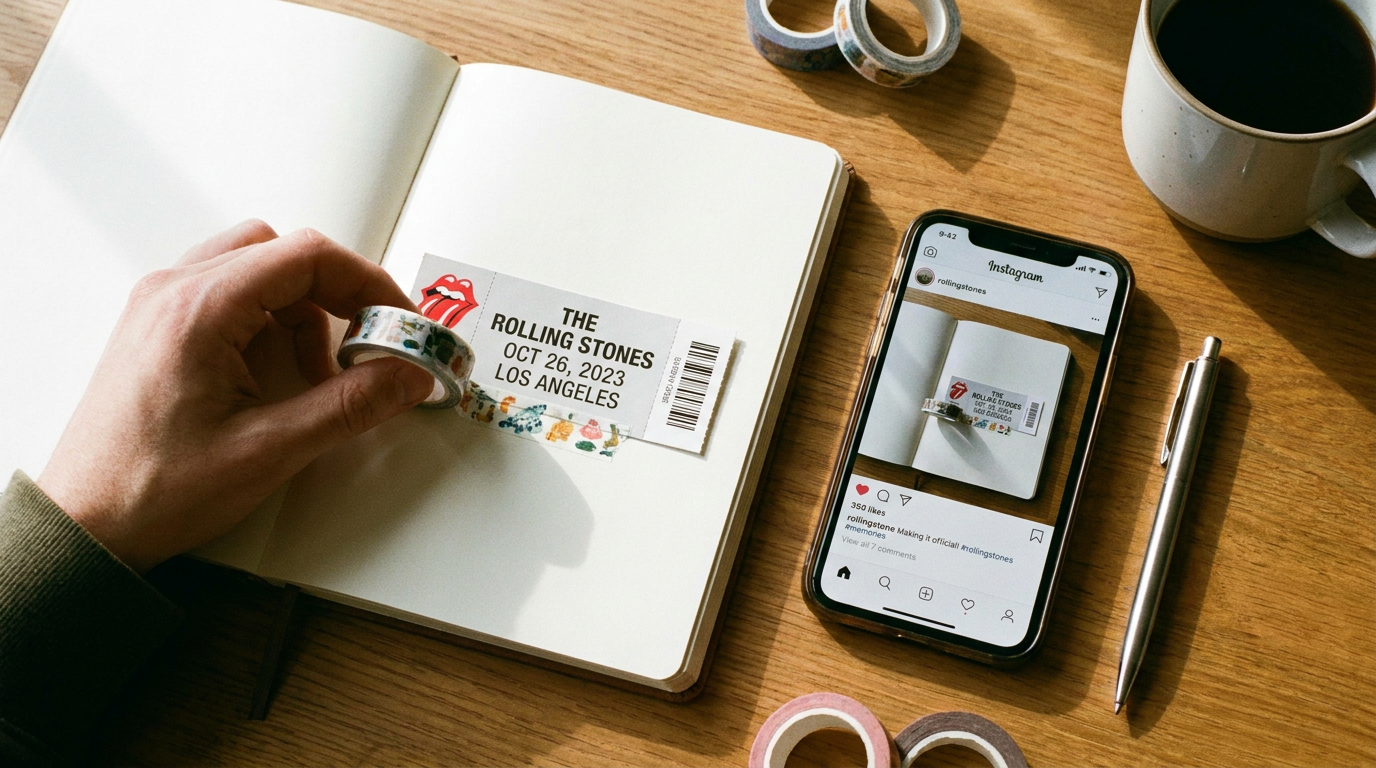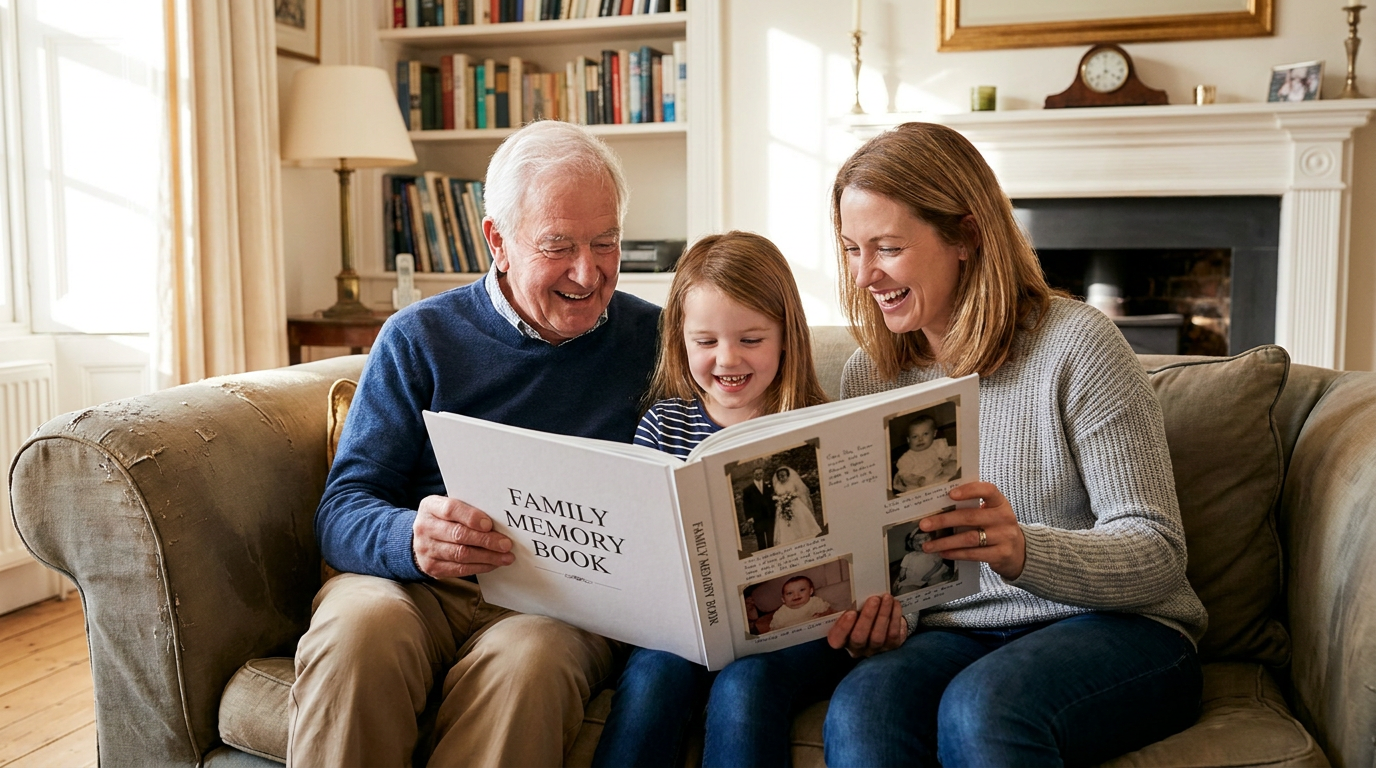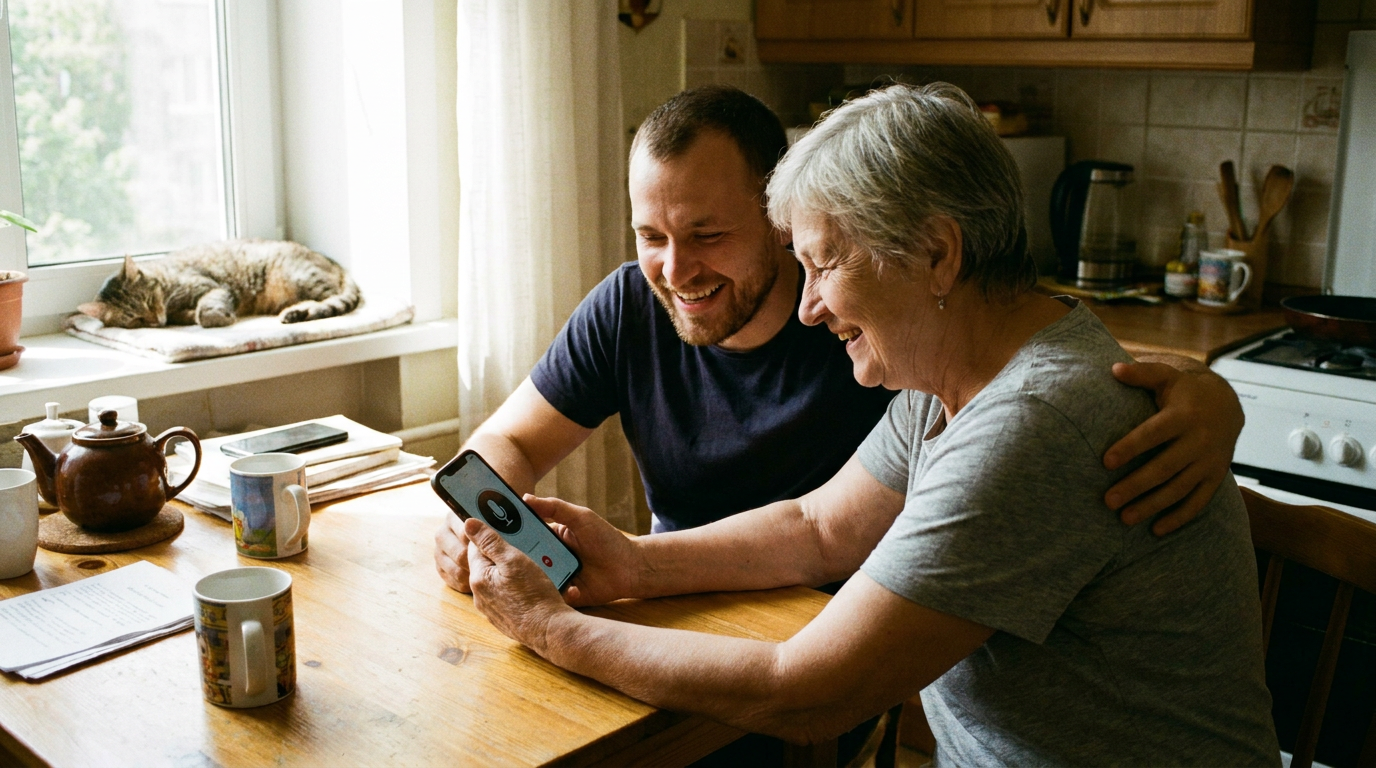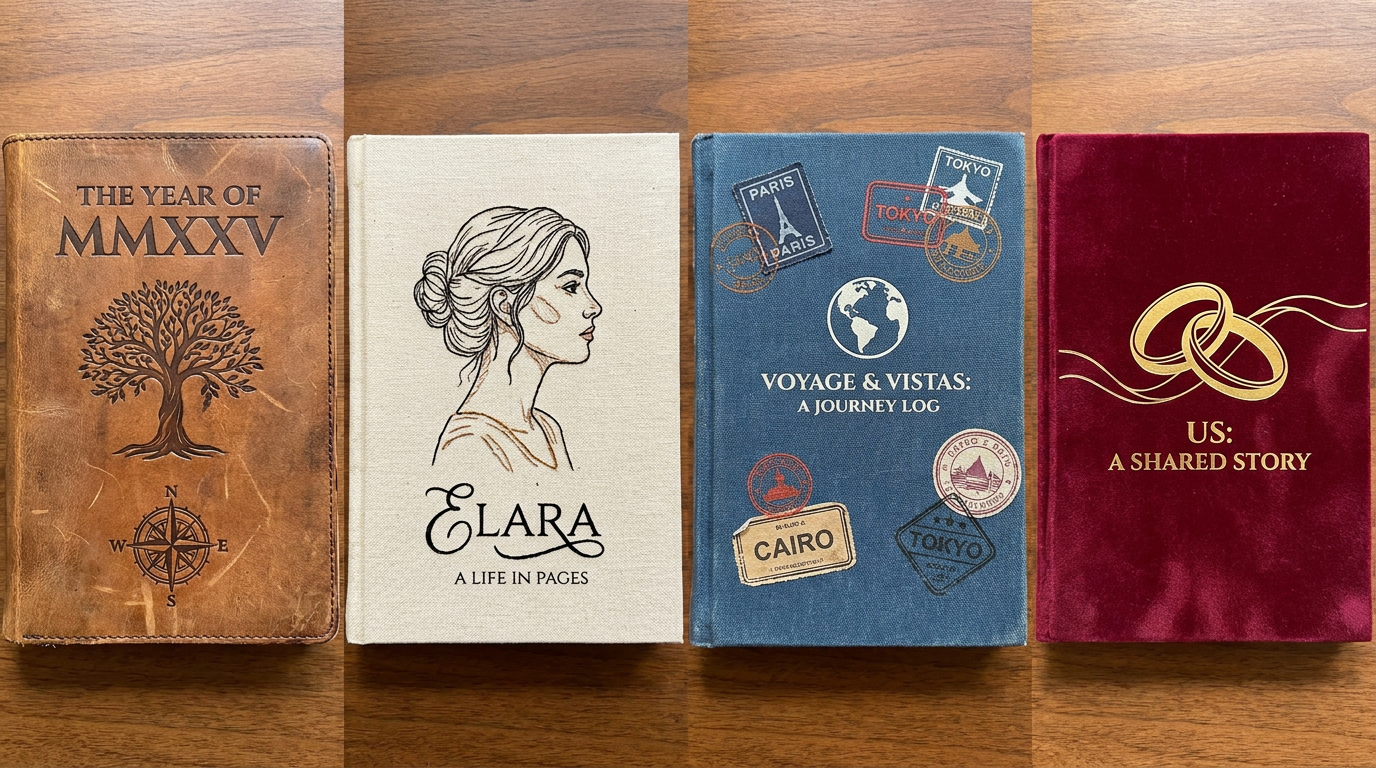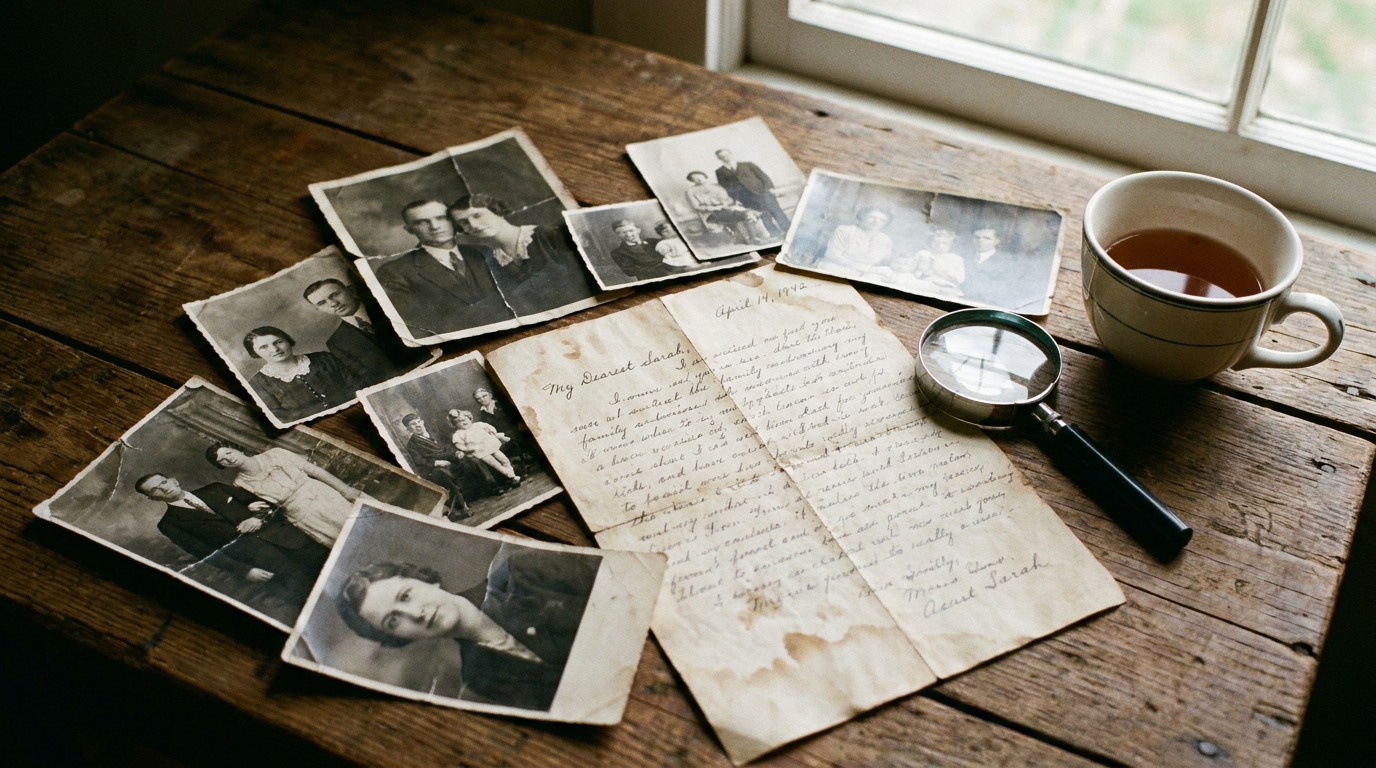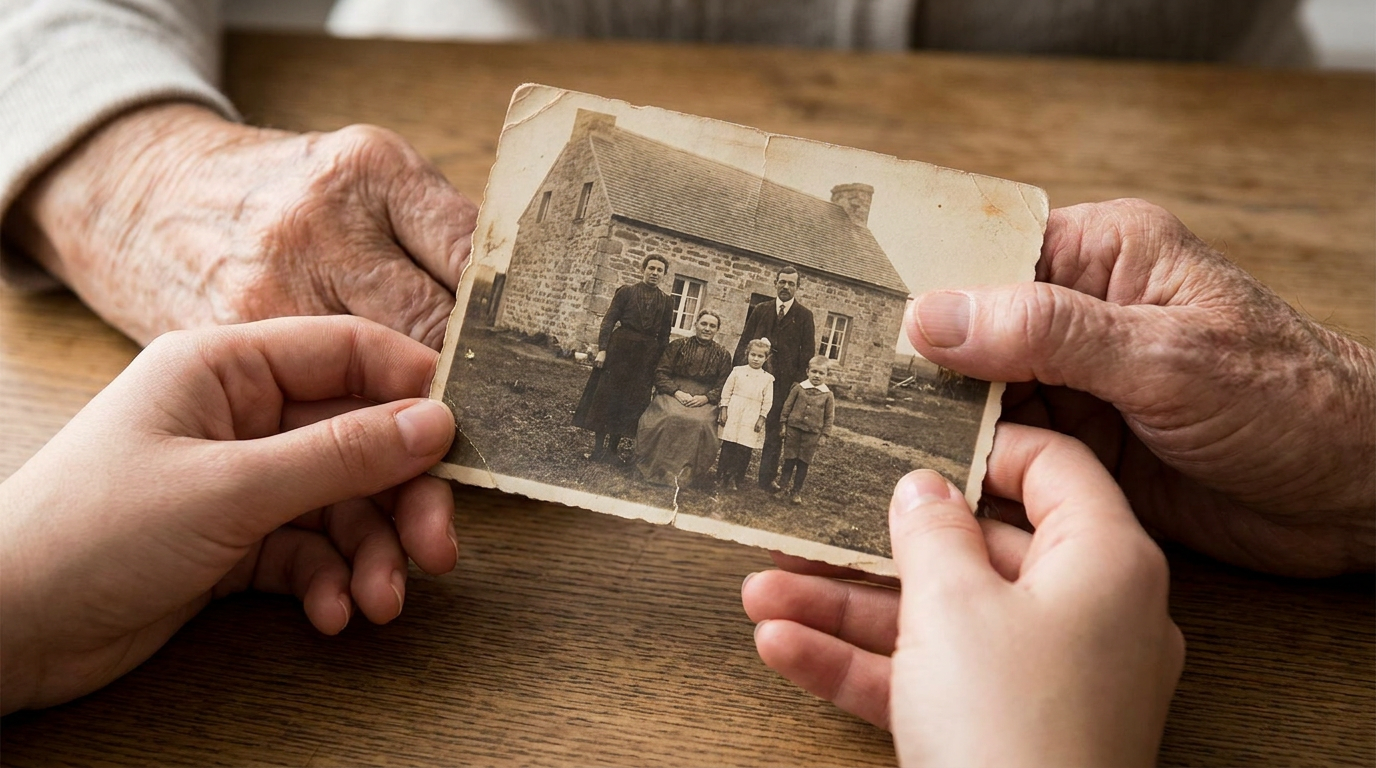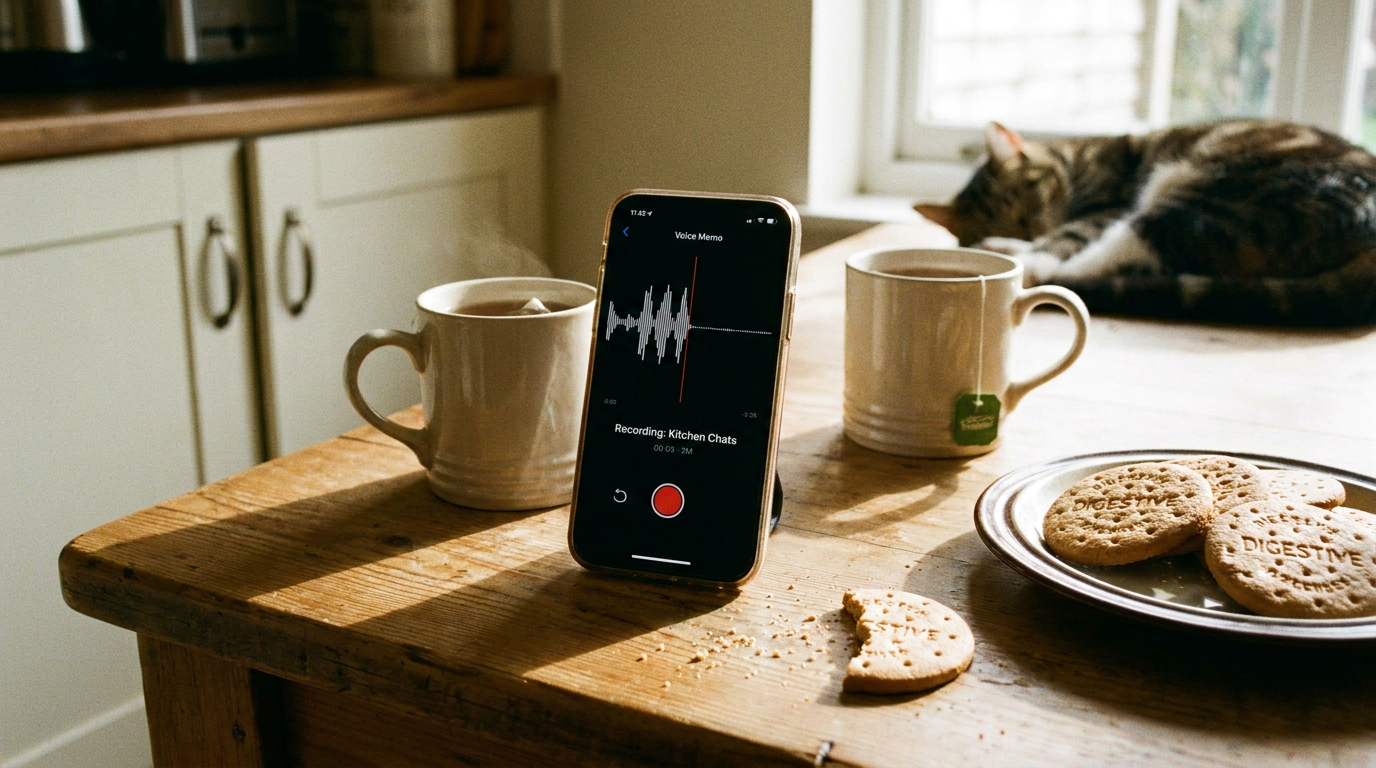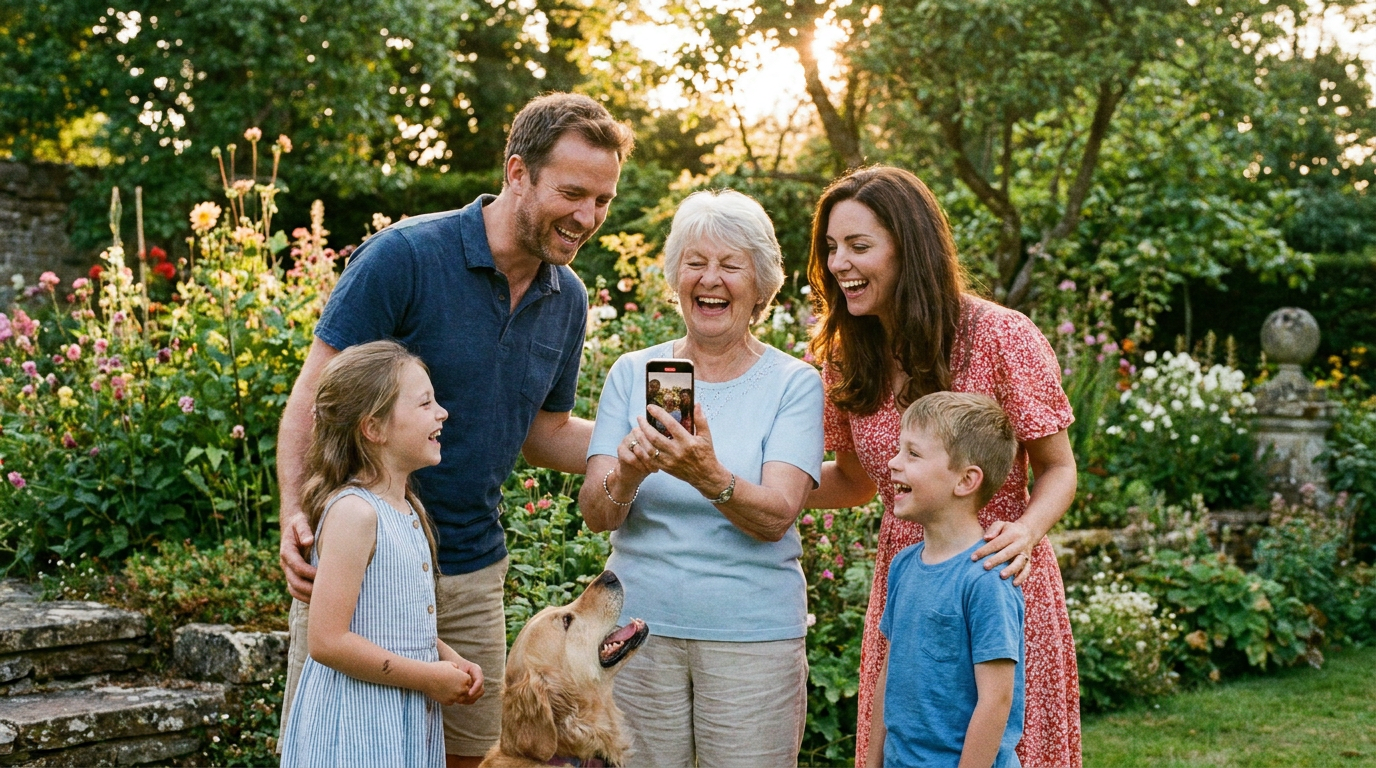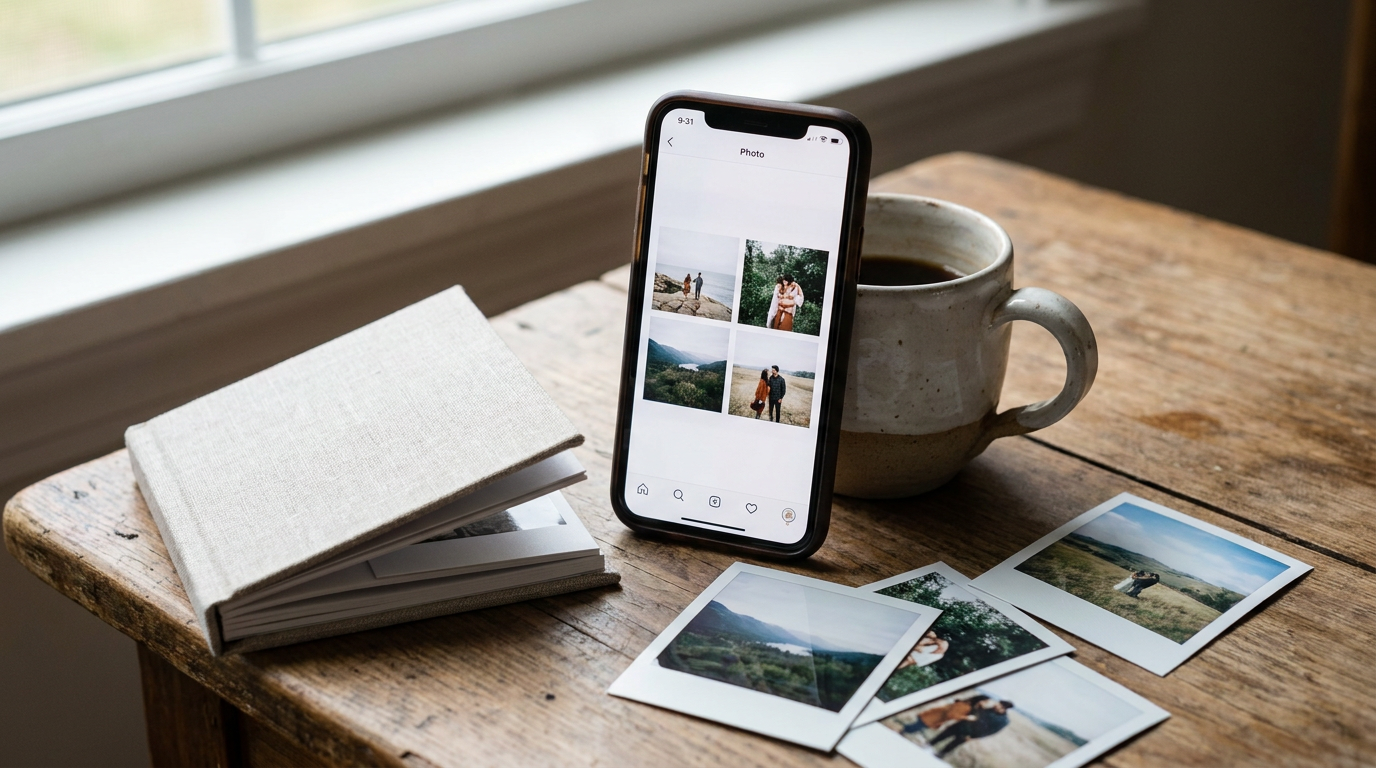
Three people. Three descriptions. Not one of them used the word “scrapbook.”
Another one said she’d “done a photo dump” of her sister’s wedding. My aunt spent a fortnight “putting together an album for Mum” and sent me a link to it on a Tuesday night.
A friend came back from a week in Portugal and told me she’d “made a little book of the trip.”
They were all doing the same thing. Digital scrapbooking — arranging photos, words and a few design choices into pages you can look at on a screen or hold in your hands — is quietly everywhere. People make these things constantly. They just don’t call them that.
That’s the spine of this piece, and it’s worth saying plainly before we go any further: the practice is thriving, the label is not. As things stand in 2026, the craft has never been more common and the word for it has never felt more dated.
So here’s what you’re getting. What feels current right now. What doesn’t. And how to actually make one, step by step, in a way that works whatever app you open.
If you’re skimming: the in-and-out verdict is a few sections down, and the how-to sits directly beneath it. If you’ve got ten minutes, start here, because the vocabulary thing is the most interesting part.
What Is Digital Scrapbooking?
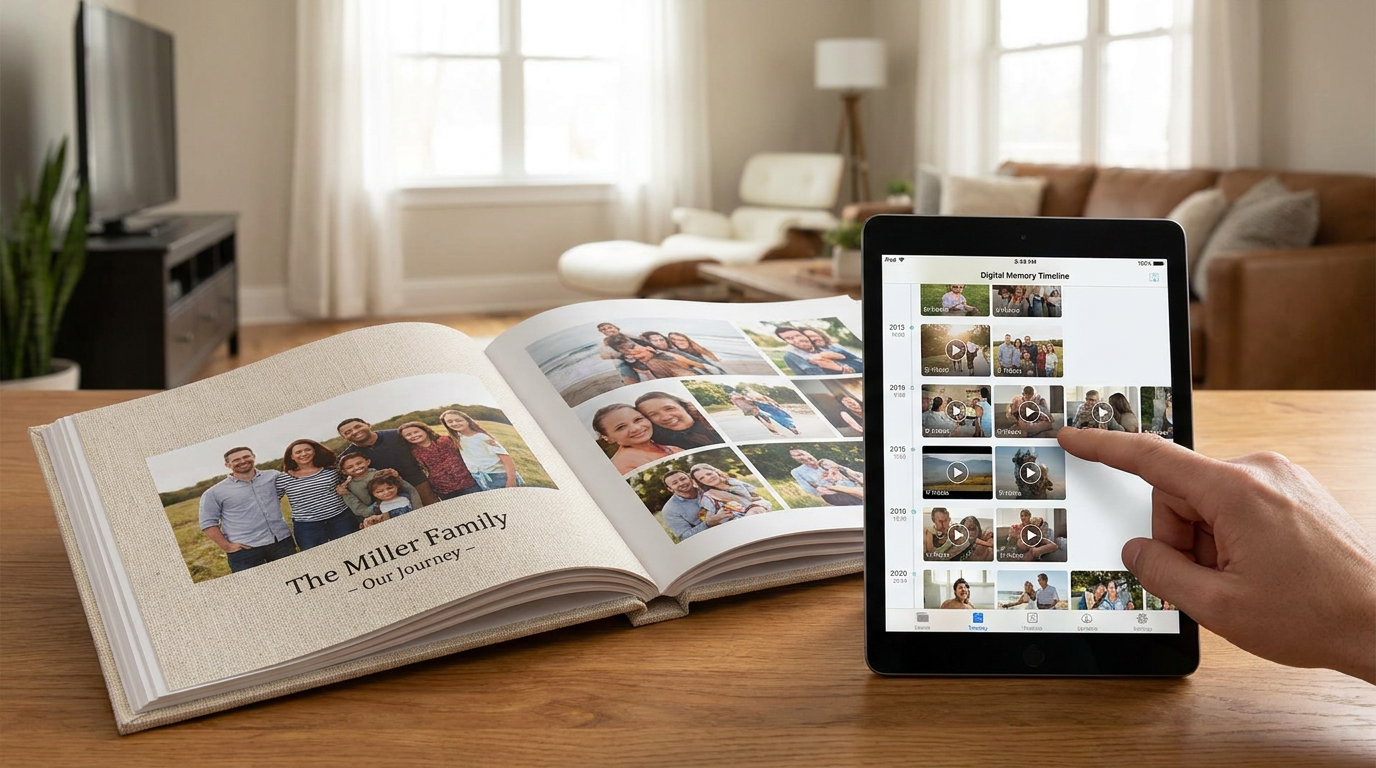
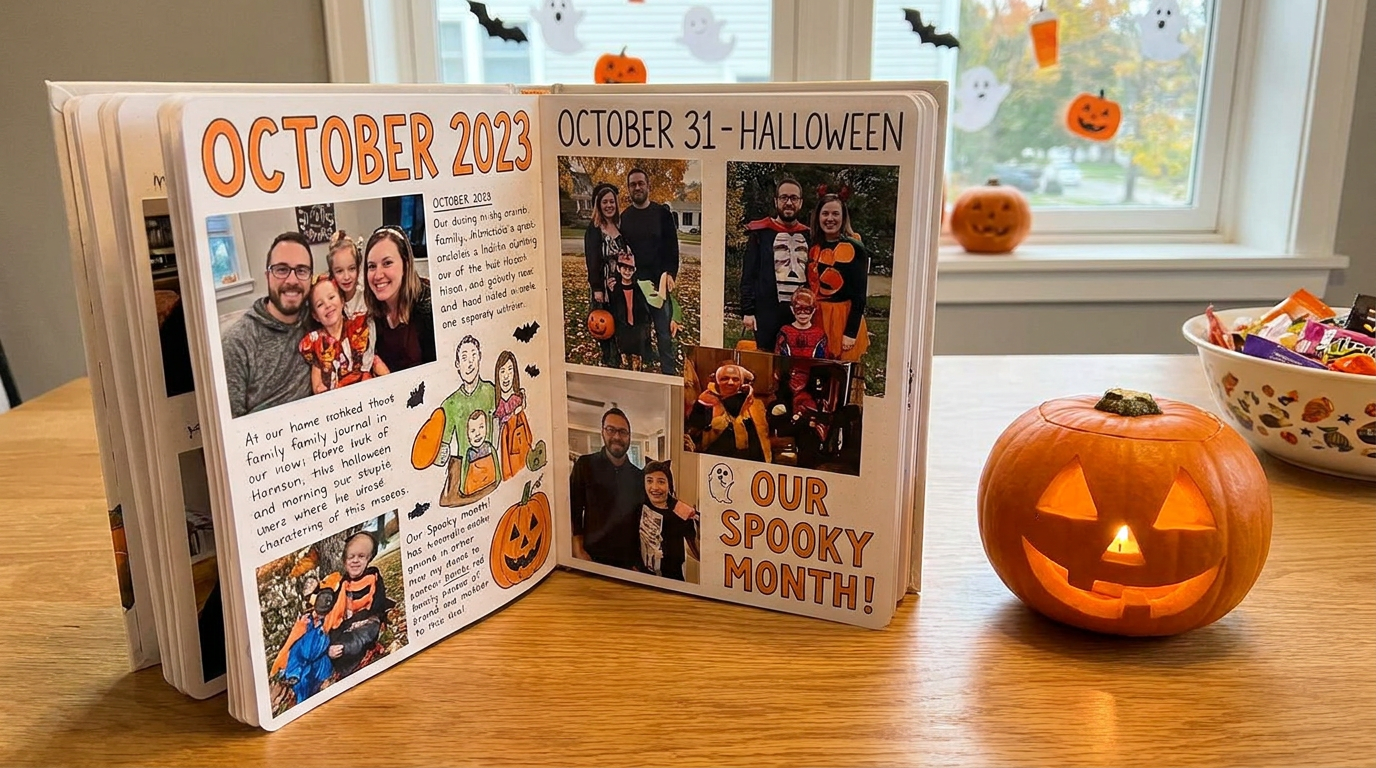
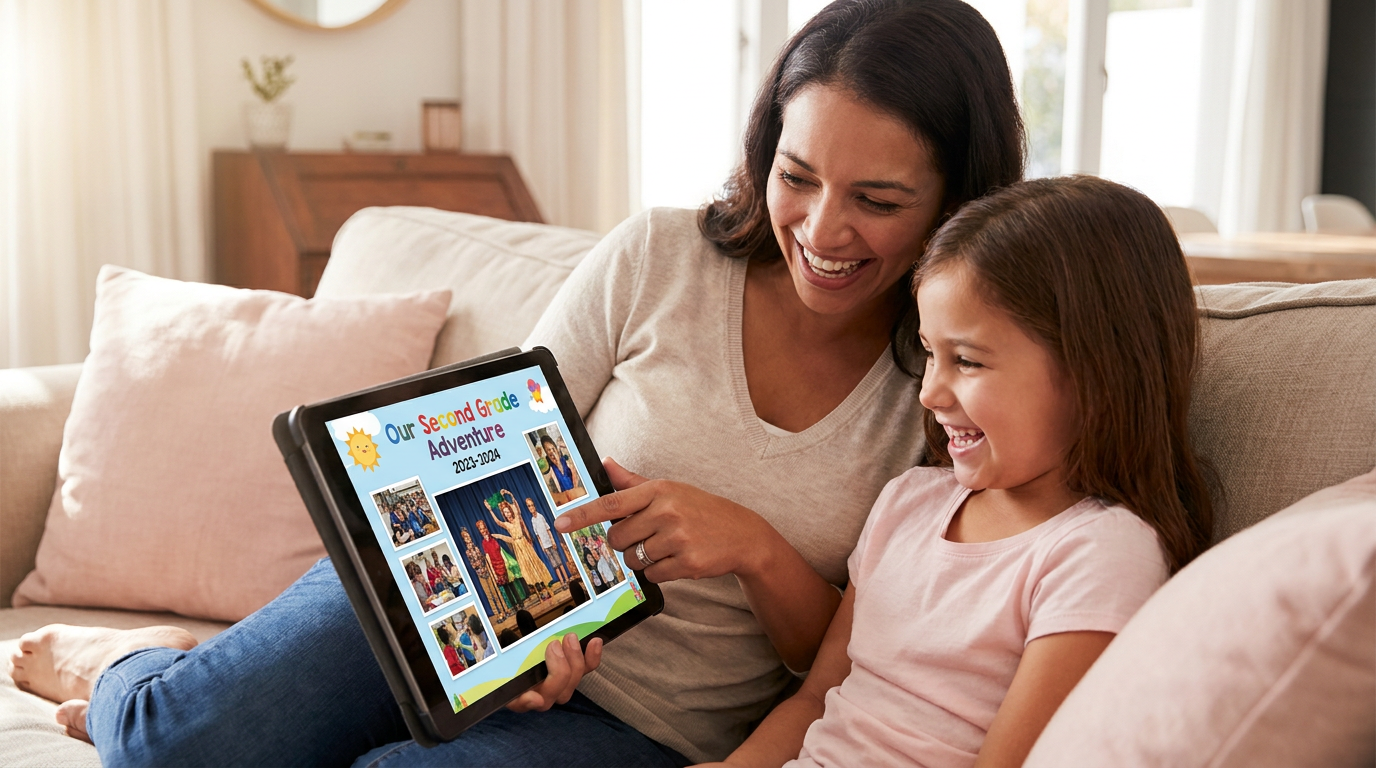
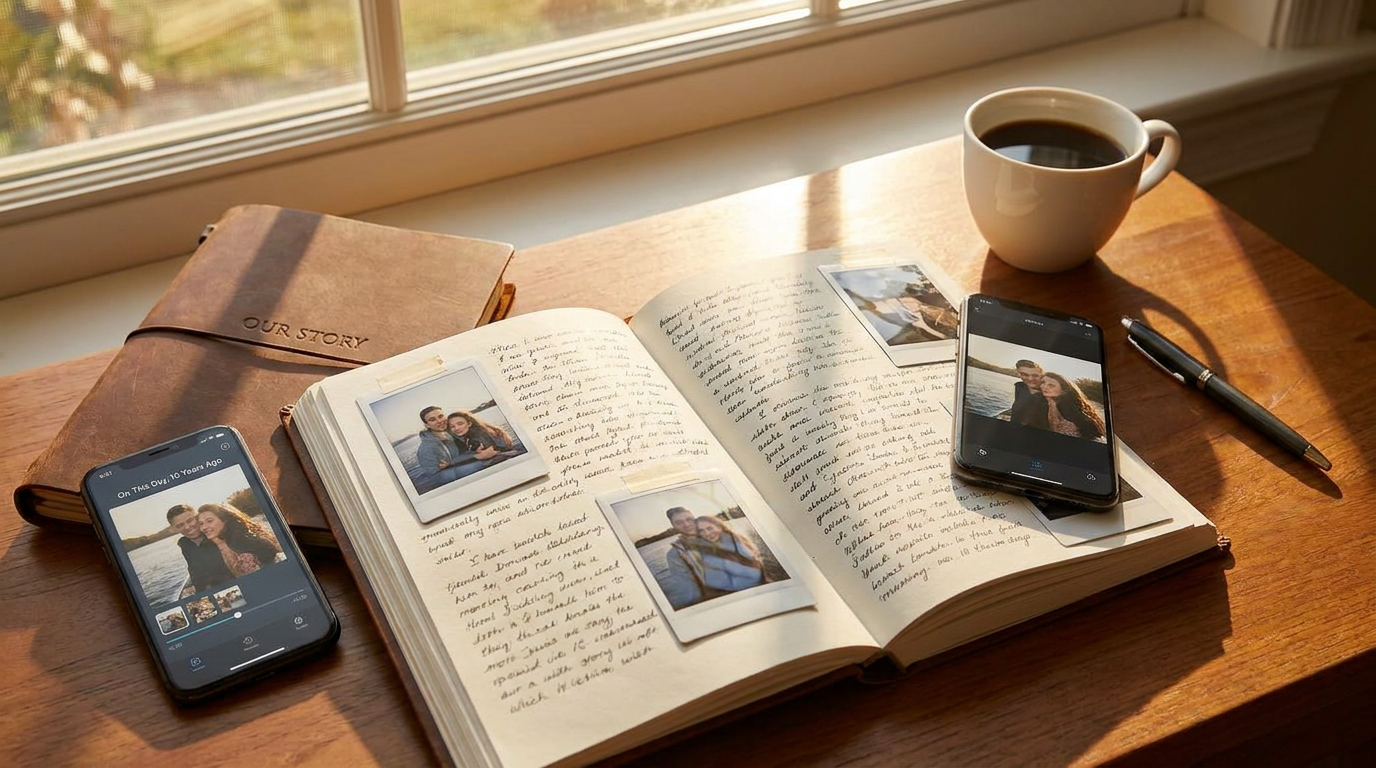
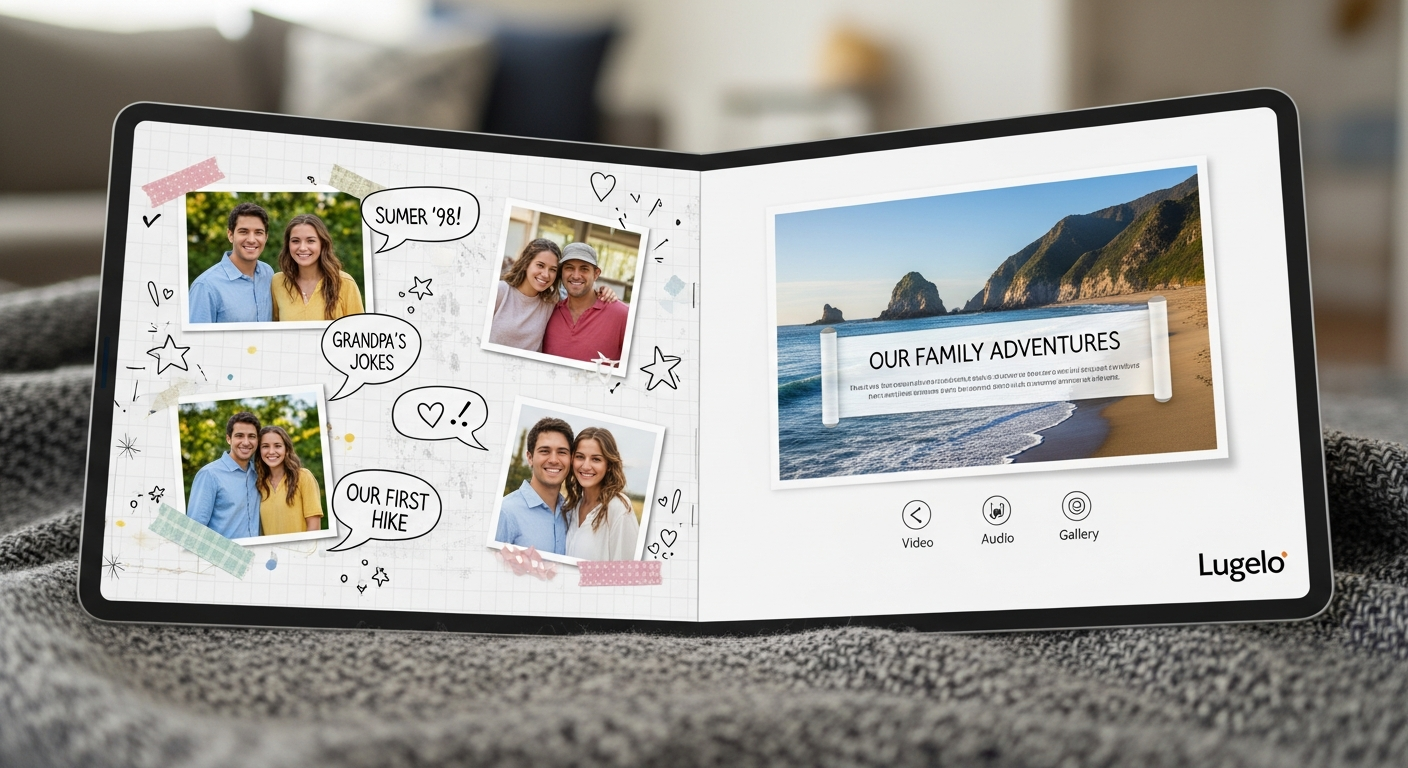
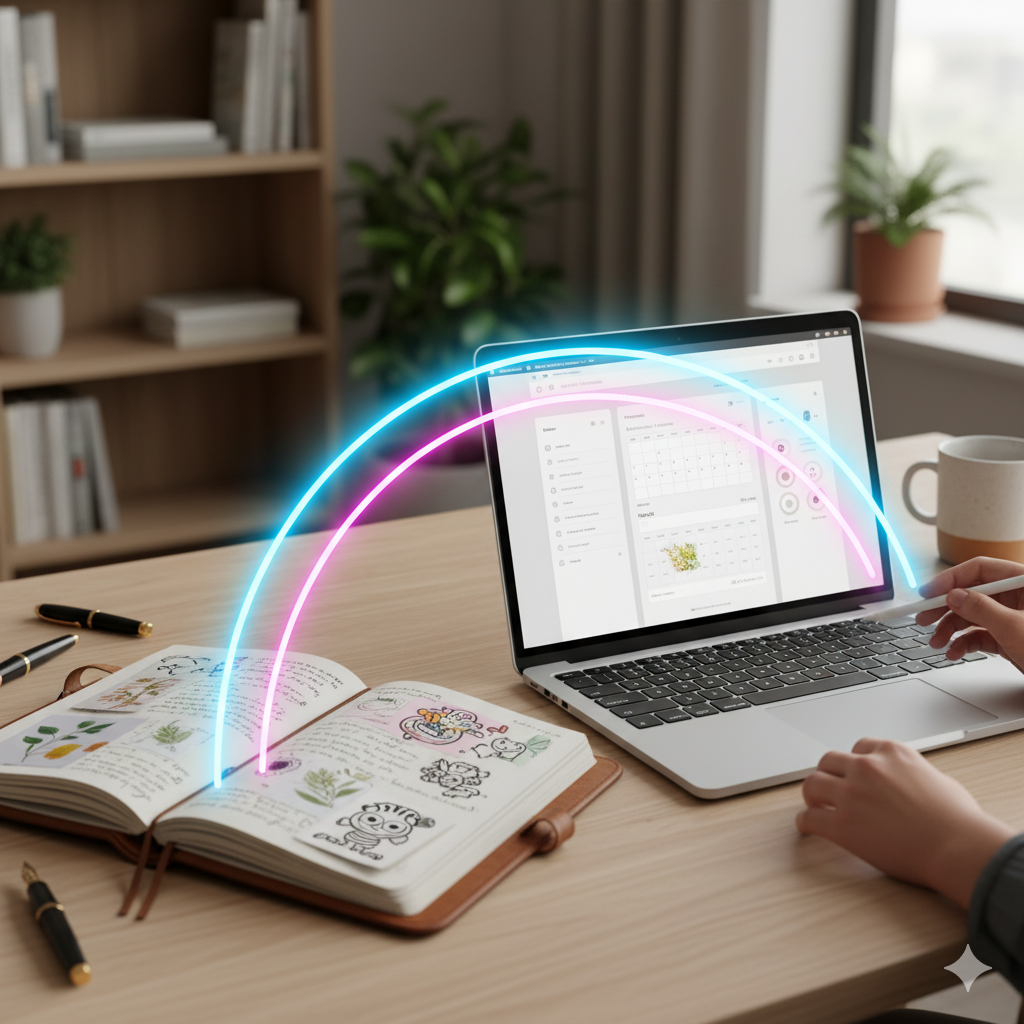
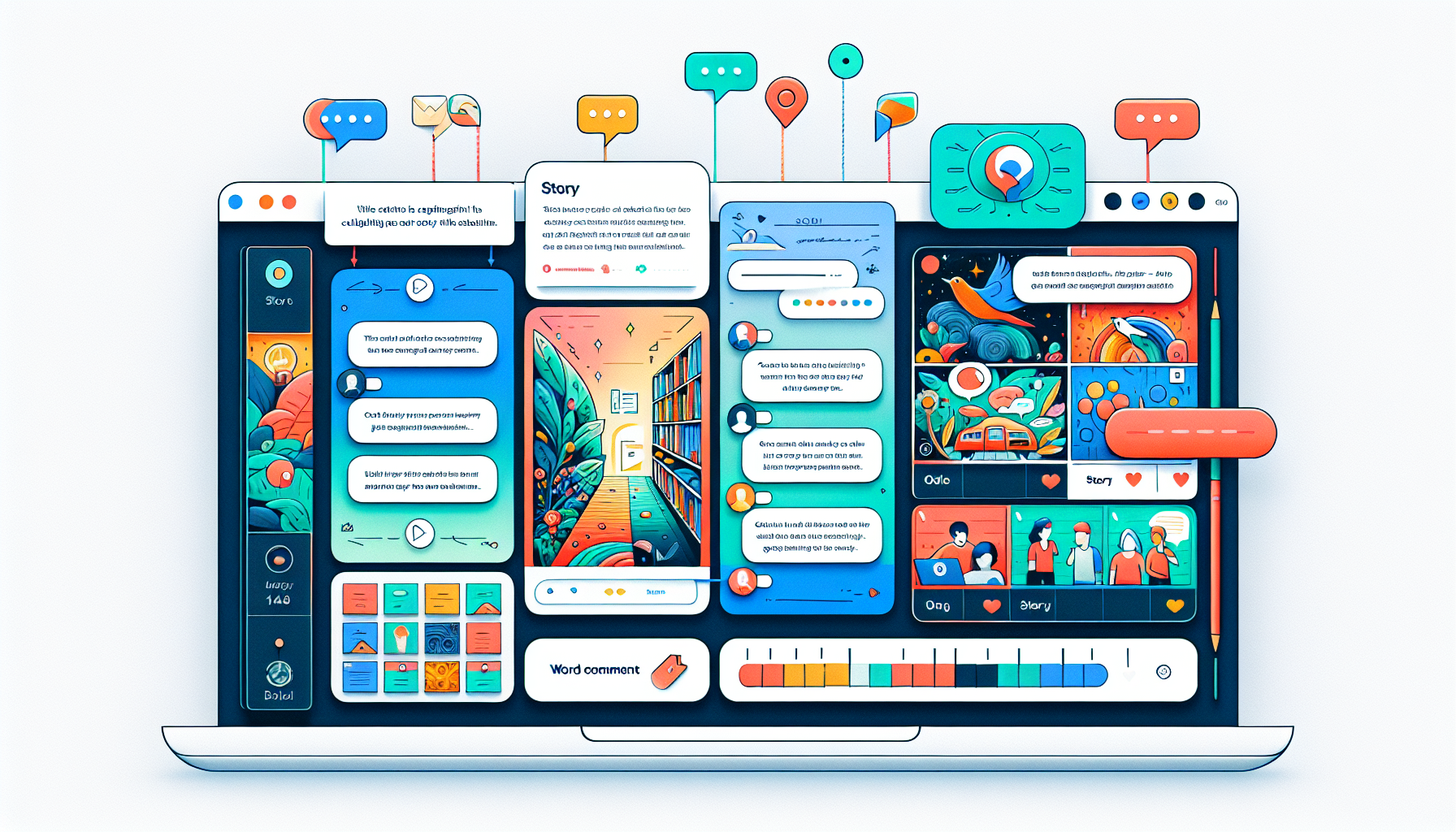
Digital scrapbooking is the practice of arranging photos, text and design elements into pages or spreads on a device. The finished result can live on a screen, be shared as a file, or be printed and bound into a book. It’s memory-keeping, done with a phone or a laptop instead of glue and card.
Every digital scrapbook, no matter how simple or elaborate, contains three things.
Images. Usually photos, sometimes screenshots, sometimes scans of tickets and receipts and handwriting.
Words. A caption, a date, a name, a whole paragraph. Something that tells you what you’re looking at.
An arrangement.The output splits two ways, and the split matters more than people expect. A scrapbook made for a screen can hold video, audio and as many pages as you like. A scrapbook made for print has a fixed size, a fixed page count and a physical life. Deciding which one you’re making — before you start — changes almost every choice that follows. We’ll come back to that.
The decision about where those things sit on the page. That’s it. That’s the craft.
One note on vocabulary, then we’ll move on. People use “memory book,” “photo book,” “album,” “digital diary” and a dozen other terms for things that overlap heavily, and if you want the proper breakdown of how journal types actually differ, there’s a separate guide for that over on
So that’s the practice, defined. Now the strange part — almost nobody calls it by its name.
Worth saying too: a digital scrapbook app on your phone is now a completely normal place to start. Not a compromise, not a lesser version of “real” scrapbooking. For a lot of people it’s the only tool they use from first photo to finished book.
. This post isn’t about definitions. It’s about what people are making and how.
Why Nobody Says “Scrapbook” Anymore
People make memory pages constantly. They call it a photo dump. A photo book. A memory board. An album. A digital diary. A carousel. A “little thing I put together.” Anything, really, except a scrapbook.
The activity is alive and growing. The word has quietly fallen out of everyday use.
Here’s the observation this whole post hangs on.
This is an observation, not a statistic — but listen to how people describe what they made, and you’ll hear it.
I want to be straight about that, because trend pieces love to reach for a number here and I don’t have one worth giving you. Nobody has counted this properly. What I can tell you is that once you notice it, you can’t stop noticing it.
The word got attached to a look, not an activity
That’s a style. A lovely one, made by millions of people with real skill. But it’s a style, and styles date.
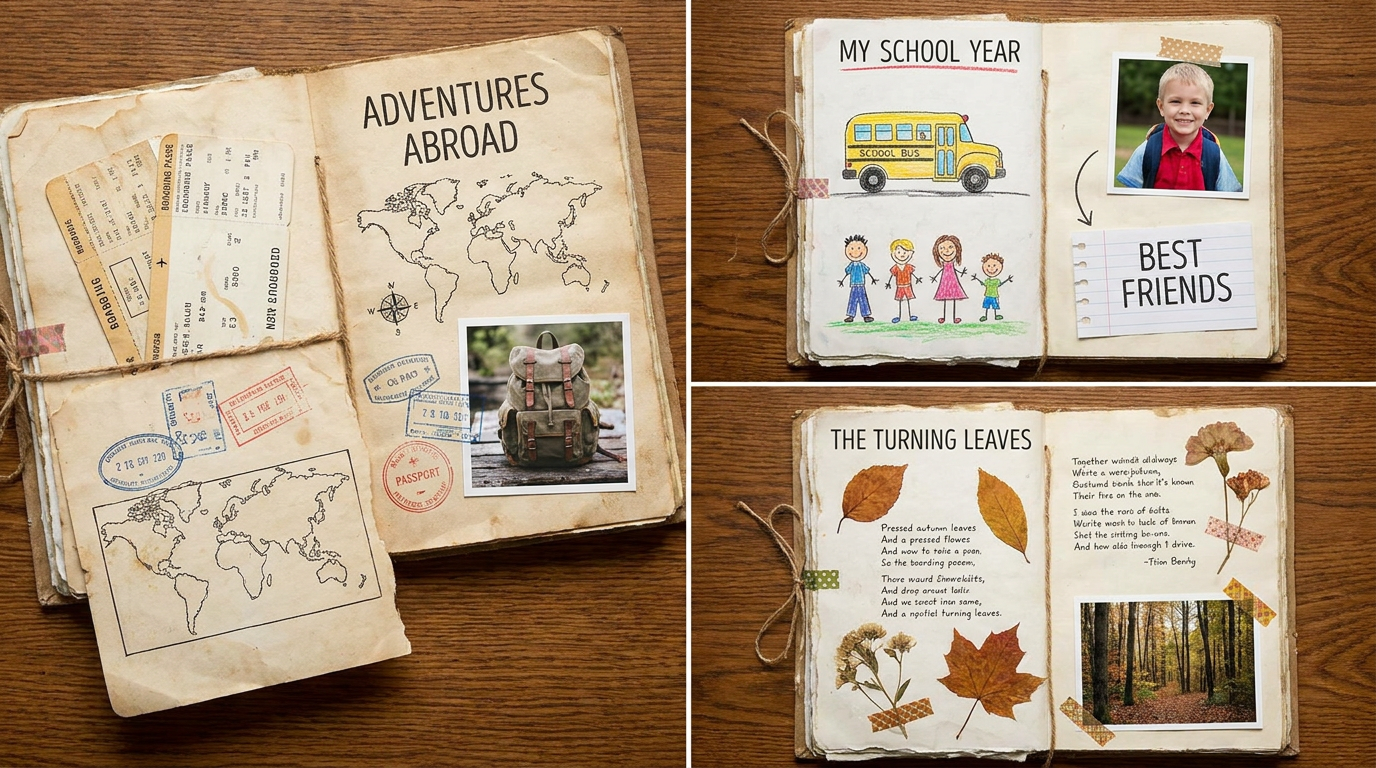
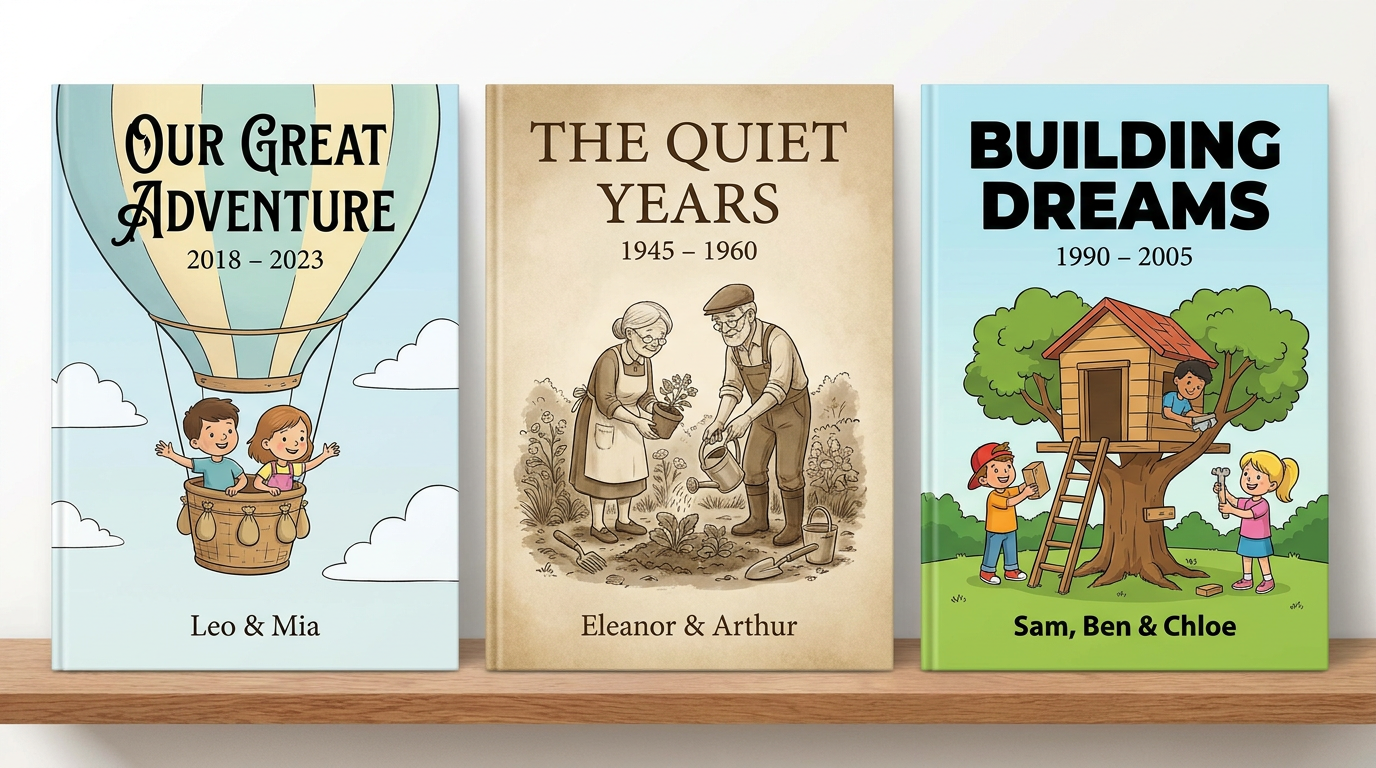
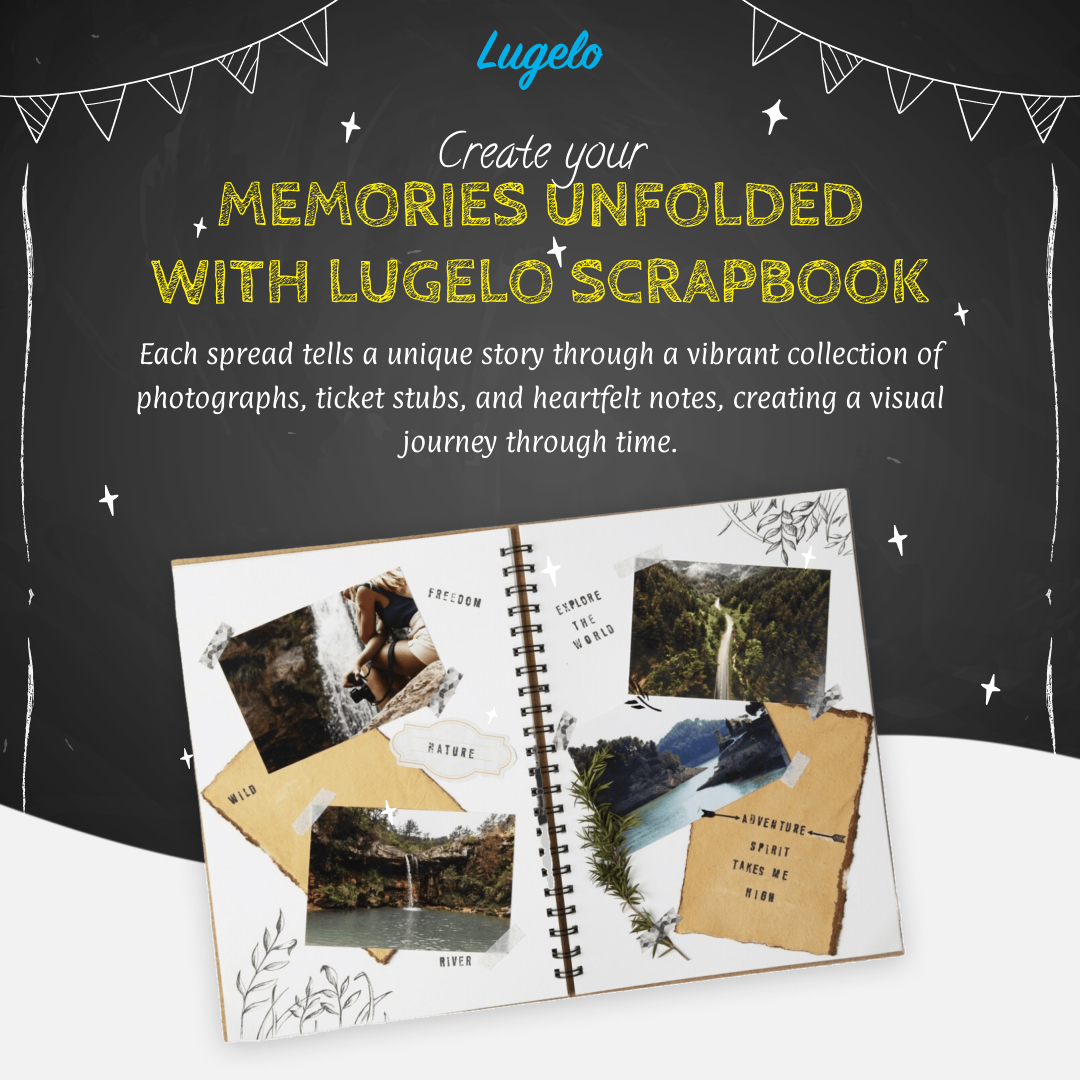
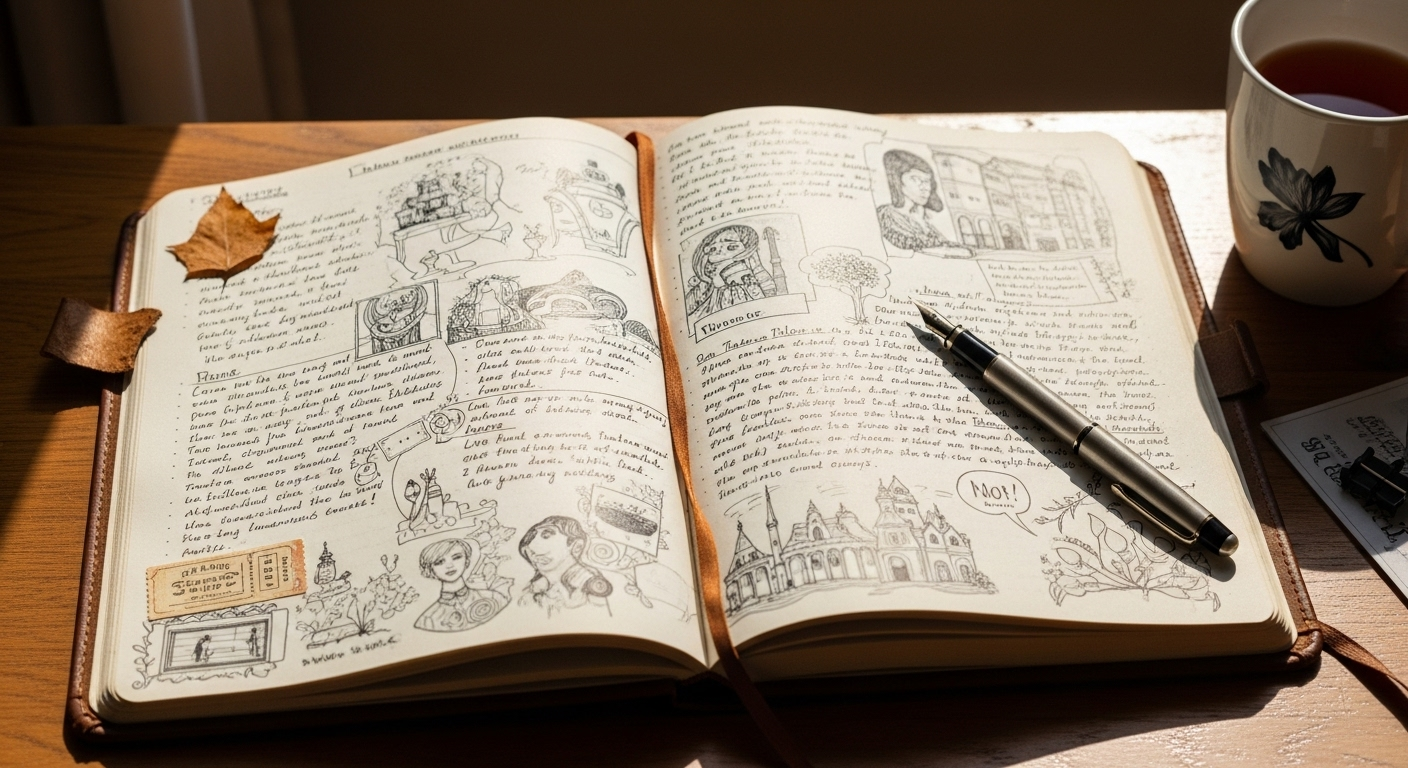
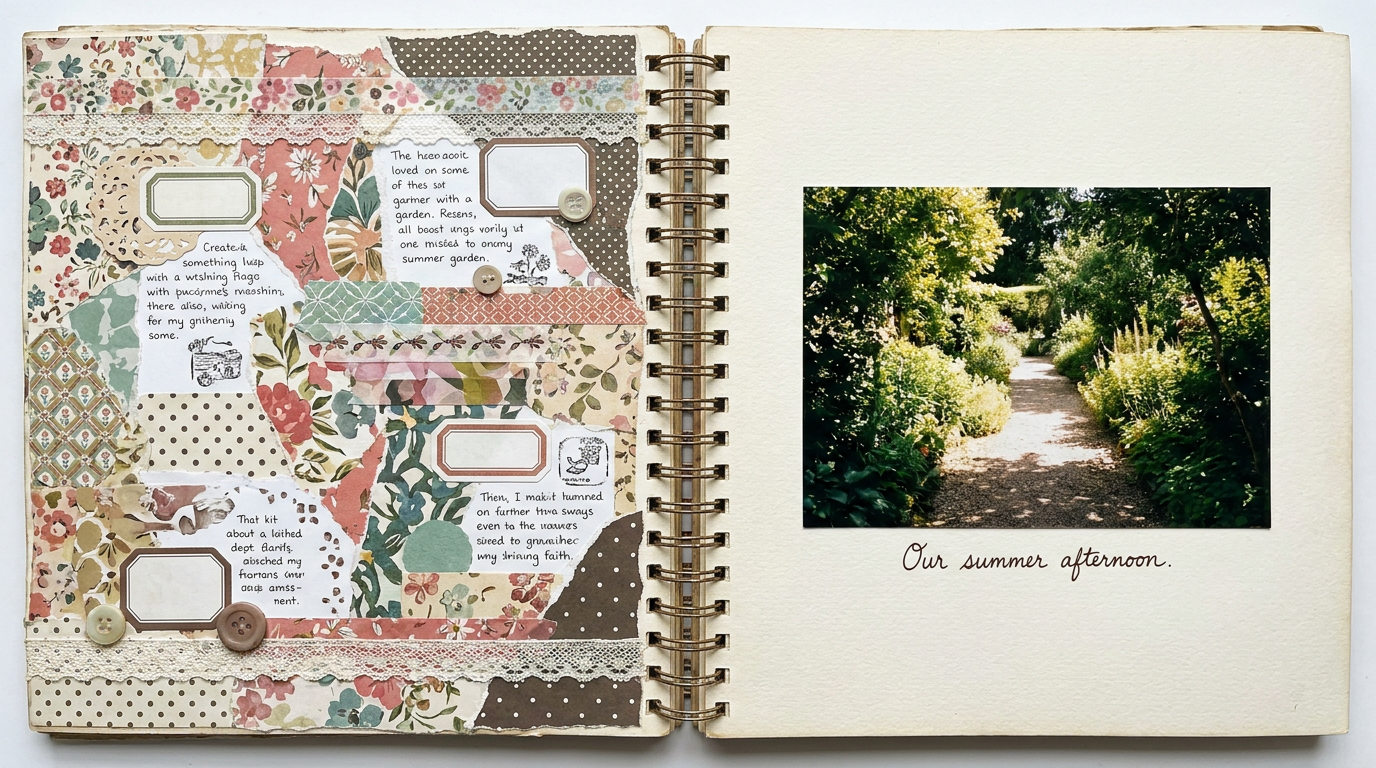
Say “scrapbook” to most people and a specific image appears. Patterned paper. Layered borders. Die-cut shapes. Decorative fonts. Little tags and ribbons. A particular mid-2000s craft aesthetic, warm and busy and full of texture.
The problem is that the word and the style fused. “Scrapbook” stopped meaning the thing you do with photos and started meaning pages that look like that. So when the look went out of fashion, the word went with it — and people who were still absolutely doing the activity stopped reaching for the term.
This is the distinction that matters, and it’s easy to miss: the style went out of fashion, the activity did not.If anything, more people arrange photos into stories now than at any point before. Everyone carries a camera and a design tool in the same pocket. The barrier to making a page used to be a trip to a craft shop; now it’s opening an app on the bus.
There’s decent academic backing for the narrow point that the language in this space is genuinely slippery. , published in Sociological Research Online, records participants moving between “scrapbook,” “diary,” “notebook” and “memory book” for overlapping practices — and notes that “scrapbooking” isn’t always the first word people reach for. That study is about ambiguity in how people talk, not about any measured generational shift, and I’m using it for exactly that and nothing more.
Research into how people describe scrapbooking
The wider argument that these practices moved rather than died has support too. An open-access article on makes the case that digital tools transform how we keep and revisit memories rather than ending the habit. That matches what you see in the wild. The shelf of physical albums got smaller. The number of people making something out of their photos did not.
memory in the digital age
The second reason: nobody thinks they’ve taken up a hobby
“Scrapbooking” is a hobby word. It implies a practice, a set of supplies, an identity. You’d say “I’m into scrapbooking” the way you’d say “I’m into pottery.”
This one’s subtler and I think it’s the bigger driver.
But that’s not how people approach this. They’re not taking up a craft. They’re making one specific thing for one specific reasonSo people describe the object. “A little book of the trip.” And the hobby word sits unused in the drawer.
Hobby words invite commitment. They ask you to become a person who does this. Object words don’t ask for anything — you just make the object and you’re done.
. A book about a trip. An album for a grandparent’s birthday. Something to remember a year by.
None of this is a loss, by the way. Formats and vocabulary shift constantly, which is a theme worth exploring properly — there’s a good piece on that covers the same drift from the journaling side. The impulse underneath is ancient and completely stable. Only the packaging moves.
the future of personal storytelling
If it’s the look
that dated, the obvious next question is which looks feel current now. So let’s do the list.
What’s In And What’s Out In Digital Scrapbooking Right Now
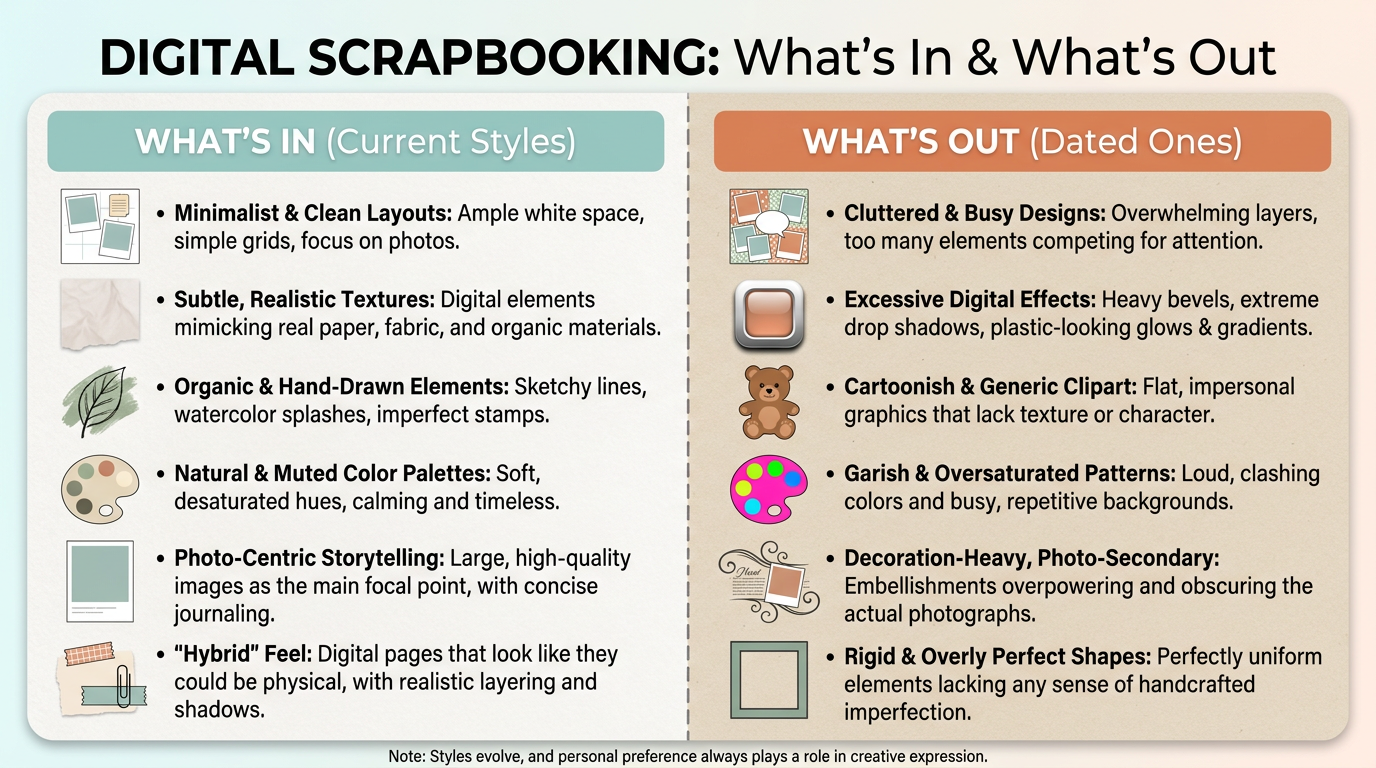
Read the two columns as pairs — each “out” line sits opposite the thing that replaced it. Then read the permission paragraph at the bottom, because it matters as much as the list does.
Fashions in this space move slowly but they do move. What follows is a point of view, not a law.
What’s in
- Photo-first layouts with lots of white space
- Printed photo books as the default finished output
- The un-curated dump, treated as a real aesthetic
- Text as a caption — short, specific, human
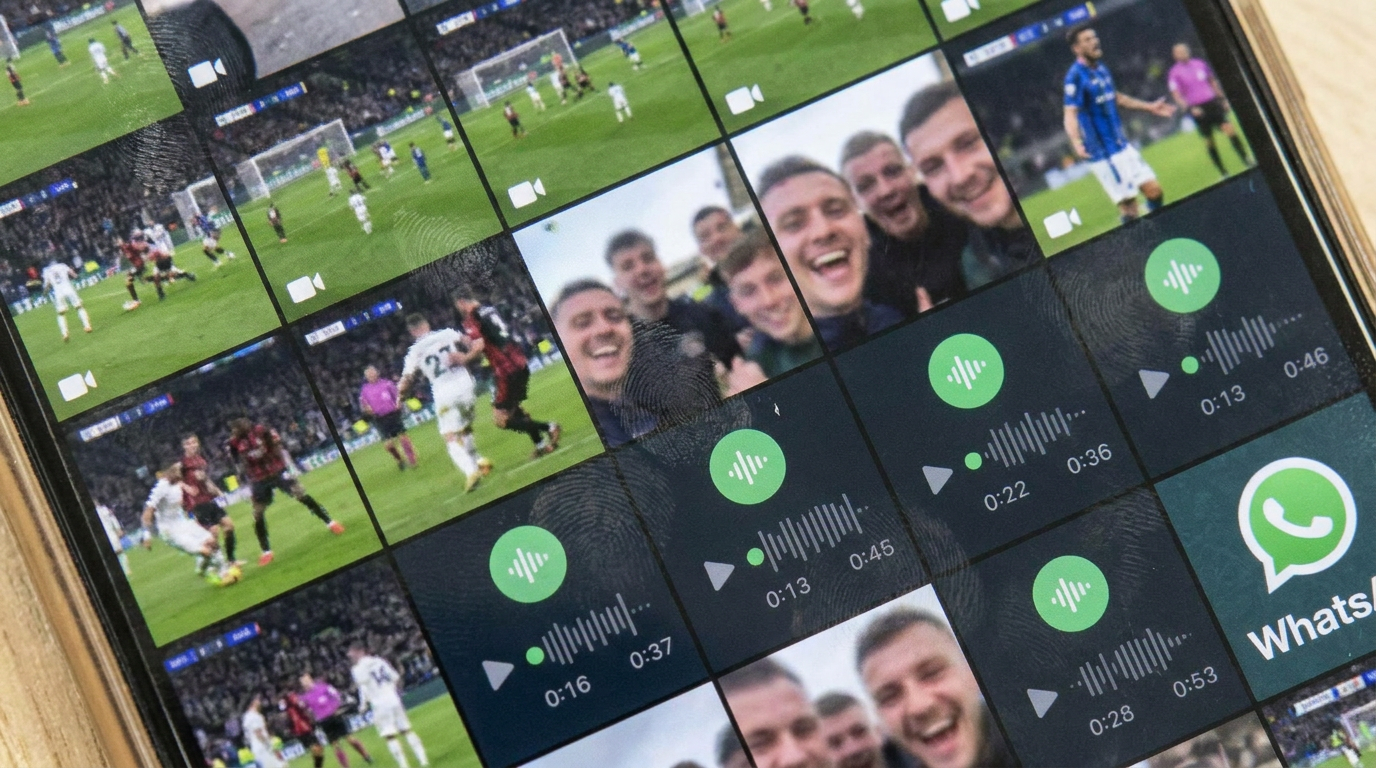
- Short video and audio sitting alongside stills
- Collaborative albums several people add to
- One page per trip, not one page per day
- Creating on a phone, start to finish
What’s out
- Heavy digital paper textures and background patterns
- Drop shadows, bevels and faux-3D edges
- Decorative script fonts laid over photographs
- Elaborate borders and layered frames
- The pressure to finish a whole album
- Buying kits and papers you never use
- Page count as a measure of success
- Perfectionist chronology
That’s the verdict. Now the interesting bits, unpacked.
The un-curated dump is a real aesthetic now
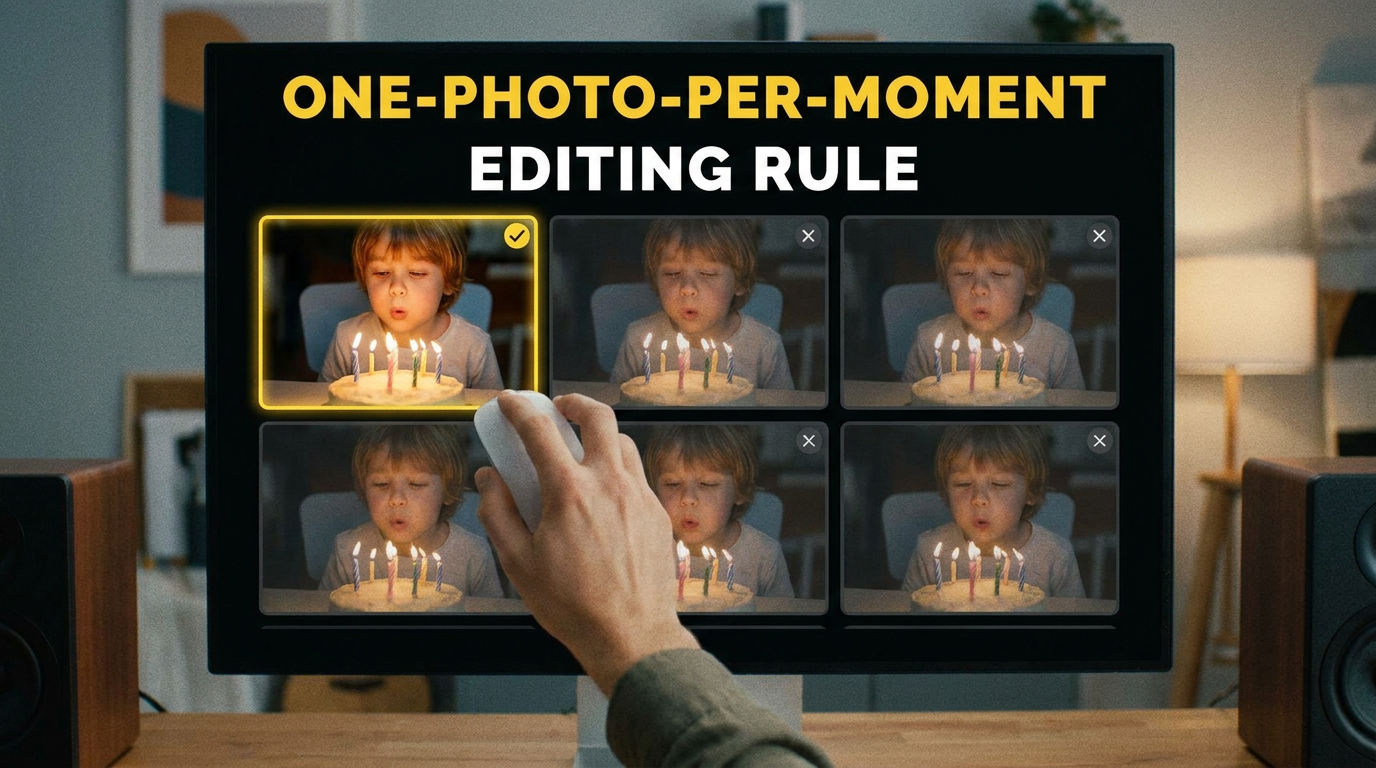
Then people started posting nine photos in a row, unedited, slightly repetitive, including the blurry one — and it turned out that carried more of the day than the perfect shot ever did.
For years the instruction was: choose the best shot. One perfect frame per moment, cropped and levelled and colour-corrected.
There’s something honest about a loose run of ordinary pictures. The half-eaten breakfast. The sign you photographed because the translation was funny. Someone’s elbow. A perfect photograph tells you what a place looked like. Nine mediocre ones tell you what the day feltThe trick is that it only works when it’s deliberate. A dump laid out cleanly, in a consistent grid, with a caption underneath, reads as a style. The same photos scattered at random angles with drop shadows read as a mess. Same content, completely different result.
like.
Captions are doing the work decoration used to do
A good caption is short, specific and human. Not “Summer 2019 ❤️.” Try “Dad insisted this was a shortcut. It added ninety minutes.”
Old-style pages decorated the space around a photo. Current pages fill that space with a sentence. And the sentence is almost always better, because a sentence carries information that the photo cannot.
This is the biggest shift in the whole list.
Here’s the thing I want to plant now, because it pays off later: the words are the part everyone skips, and the part they’d miss most in ten years. You will always be able to see what the photo looked like. You won’t always remember why you took it.
Collaborative albums changed what a memory book can be
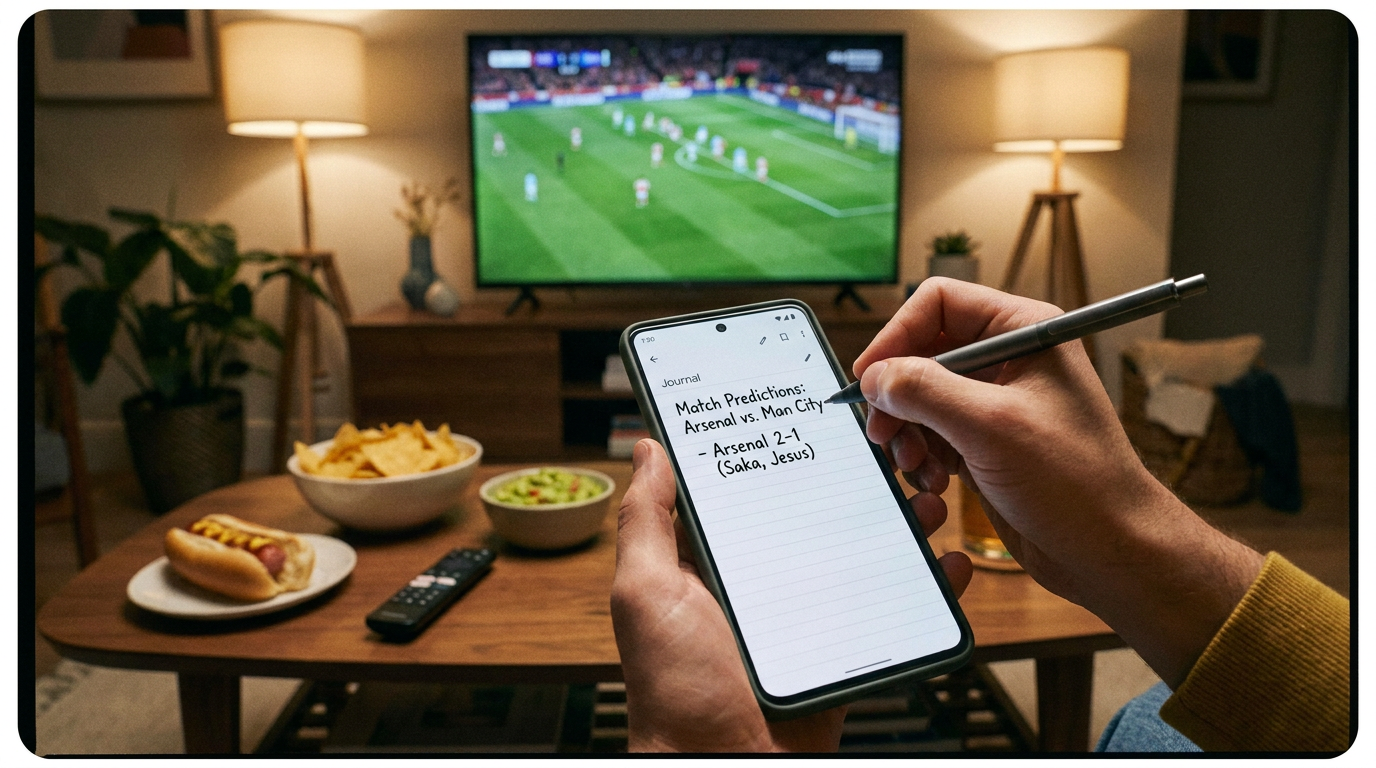
An album several people add to captures something a solo one simply can’t — the same moment from three angles, and the photos of you, taken by other people, that you’d otherwise never have.
Now the default for any shared event is that everybody has pictures nobody else has seen. A wedding lives across forty camera rolls. A holiday lives across five.
A scrapbook used to be a solo object made by one person, usually the designated family archivist, usually working from their own photos.
One page per trip beats one page per day
Nobody has ever finished looking through a fourteen-page account of a one-week holiday. Everybody finishes a three-page one.
The current instinct is to compress. One page for the whole trip, or one page per place. It forces you to choose, and choosing is what makes a memory book readable rather than exhaustive.
Old-school chronology was brutal. Every day got a spread, whether or not anything happened on it.
Phone-native, start to finish
The photos are already on the device. The people you want to include are one message away. The editing tools are good enough. For a huge number of people the laptop never gets opened at any point in the process — and the finished book is no worse for it.
Making the whole thing on a phone used to be the budget option. It isn’t anymore.
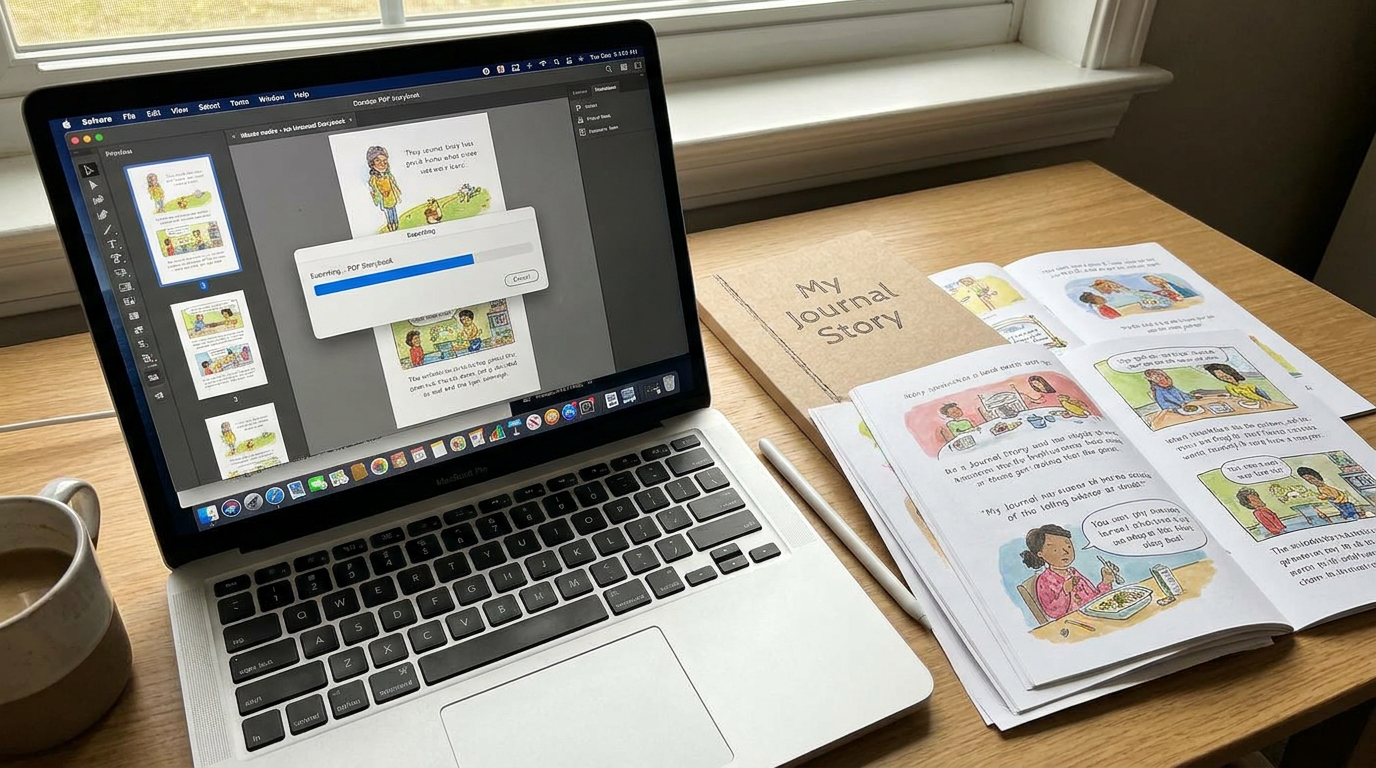
On the output side, the shift is towards print as the actual destination rather than a nice-to-have. A file you can’t find in four years isn’t much of a keepsake. If you’re heading that direction, there’s a practical walkthrough of that covers the mechanics properly.
turning a journal into a book with eBook and PDF export
And now the important part
Right. Knowing what looks current is maybe a third of it. The next section is the part that actually makes a scrapbook good.
Taste is not a rule. A page you genuinely enjoyed making will always beat a page that correctly followed a trend. The only truly dated choice in this entire craft is not making the thing at all.
I mean that sincerely. Everything above is a description of fashion, and fashion is just what a lot of people happen to like at the same time. It isn’t a standard anybody has to meet.
If you love the layered maximalist style — the patterned papers, the ribbons, the die-cuts, the full riot of it — keep making it.
How To Make A Digital Scrapbook, Step By Step
Here’s a process that works no matter which app you use. Six steps. Two of them matter far more than the rest, and I’ll tell you which.
1. Gather everything in one place
This step is boring and it’s the one people try to skip by working straight out of their camera roll. Don’t. You’ll miss the good stuff that’s buried in a group chat from two years ago.
Don’t sort. Don’t judge. Don’t start arranging. Just collect it all into one place so you can see the full pile.
Pull from your camera roll, your messages, your shared albums, the folder on your laptop, the pictures other people sent you at the time.
2. Cull hard
This is the most important step in the entire process.
Aim to cut most of what you gathered. Not some of it — most of it. If two photos show the same moment, keep one. If you can’t remember why you took it, delete it. If it’s blurry and not interestinglyRuthlessness now is generosity to whoever reads it later, including you.
A useful test: would you stop on this photo if someone else was flipping the pages? If not, it’s padding.
People resist this because deleting feels like losing something. It isn’t. The photos still exist in your camera roll. What you’re doing here is choosing what goes in the book, and a book of forty strong photos is infinitely better than a book of three hundred adequate ones.
blurry, it goes.
3. Group by story, not by date
You’ll usually find you have five or six real stories from a week away. That’s a book.
Stories are what people remember. Dates are what calendars are for. When you group by story, the pages practically build themselves, because each group already has a beginning and an end.
“The morning we got lost.” “The dog and the sea.” “Every meal we ate outside.”
Once you’ve got your keepers, sort them into groups. Not by day — by what happened.
4. Write the captions first
Before you touch a single layout, write a line for each group. Who’s in it, where you were, and what was actually going on.
Do this while you still remember. This is the whole argument, and it’s worth stating bluntly: a caption written a year later is a guess. A caption written the same week is a record.If you only take two things from this post, take the cull and take this.
Write badly if you need to. An awkward true sentence beats an elegant vague one. “I don’t remember his name but he gave us the melon for free” is a better caption than anything you’d craft later.
You’ll be amazed what disappears. The name of the café. Which one of you fell in. What the joke was. Six months is enough to lose all of it, and no amount of good design brings it back.
5. Pick one layout and repeat it
One grid also takes a fraction of the time, because you make the design decision once instead of nine times. Consistency is the cheapest professionalism available to you.
Variety is the thing that makes homemade pages look homemade — nine different arrangements across nine pages reads as indecision, even when each individual page is fine.
This feels like it’ll be boring. It won’t. Repetition reads as intentional. It’s what makes a book look designed rather than assembled.
Choose a single grid and use it on every page.
6. Decide early: screen or shelf
Screen-only means you can use whatever resolution your phone produced and include video and audio. Print means you need enough pixels to survive being blown up onto paper.
Work out at the start whether this lives on a screen or on a shelf, because it changes what you need from your files.
The standard target is roughly 300 pixels per inch at final print size. The walks through why that number is the working benchmark for personal digital archiving — it’s the point where a printed image stops looking soft.
Library of Congress guidance on scanning and image resolution
Changing your mind at the end is painful. A screen-first project that suddenly needs printing often means going back and re-sourcing originals you already compressed. Ten seconds of decision at the start saves an afternoon later.
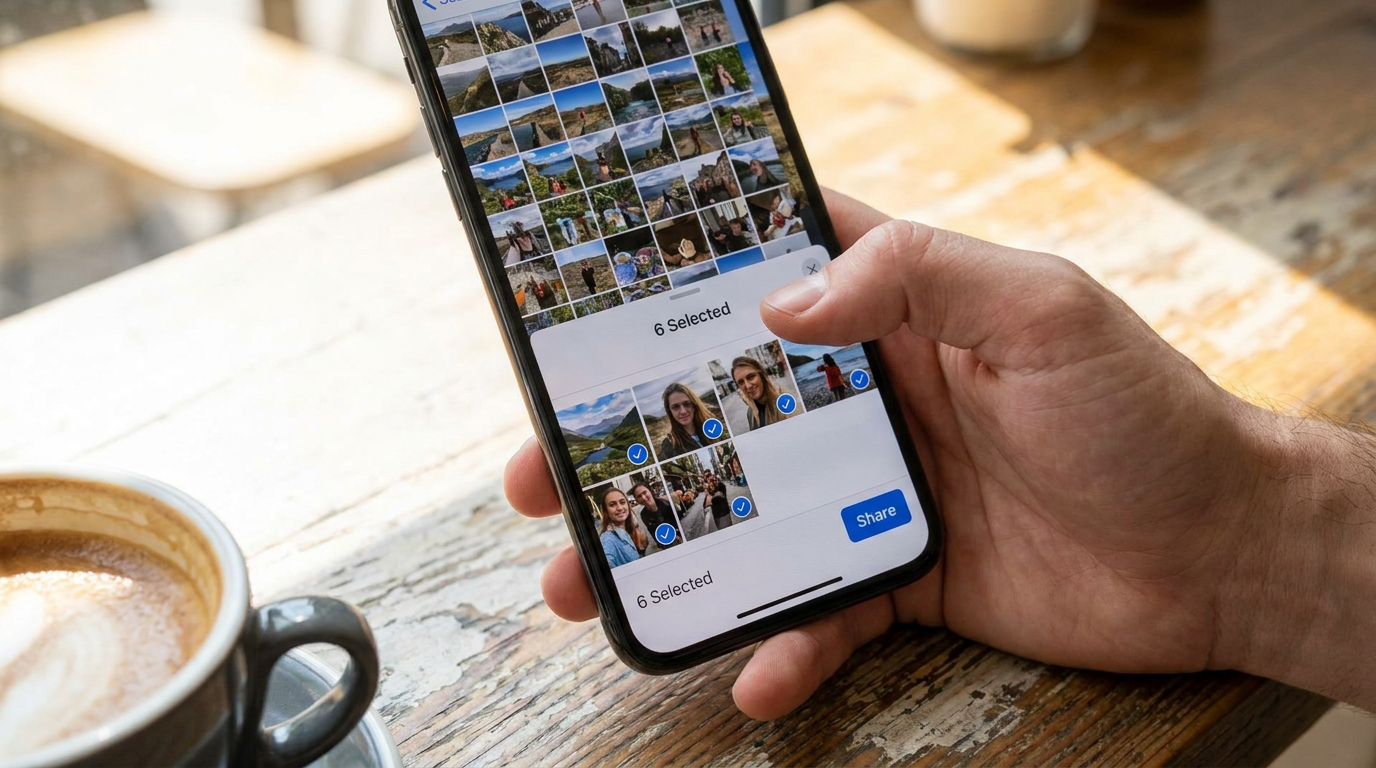
With the process settled, the only thing missing is something to make.
Digital Scrapbook Ideas Worth Actually Making
The blank page is the real enemy here, not the lack of skill. So here are twelve digital scrapbook ideas with an actual angle — not just a subject, but the thing that makes it work.
- A single trip. One page per place, not per day. The constraint does the editing for you.
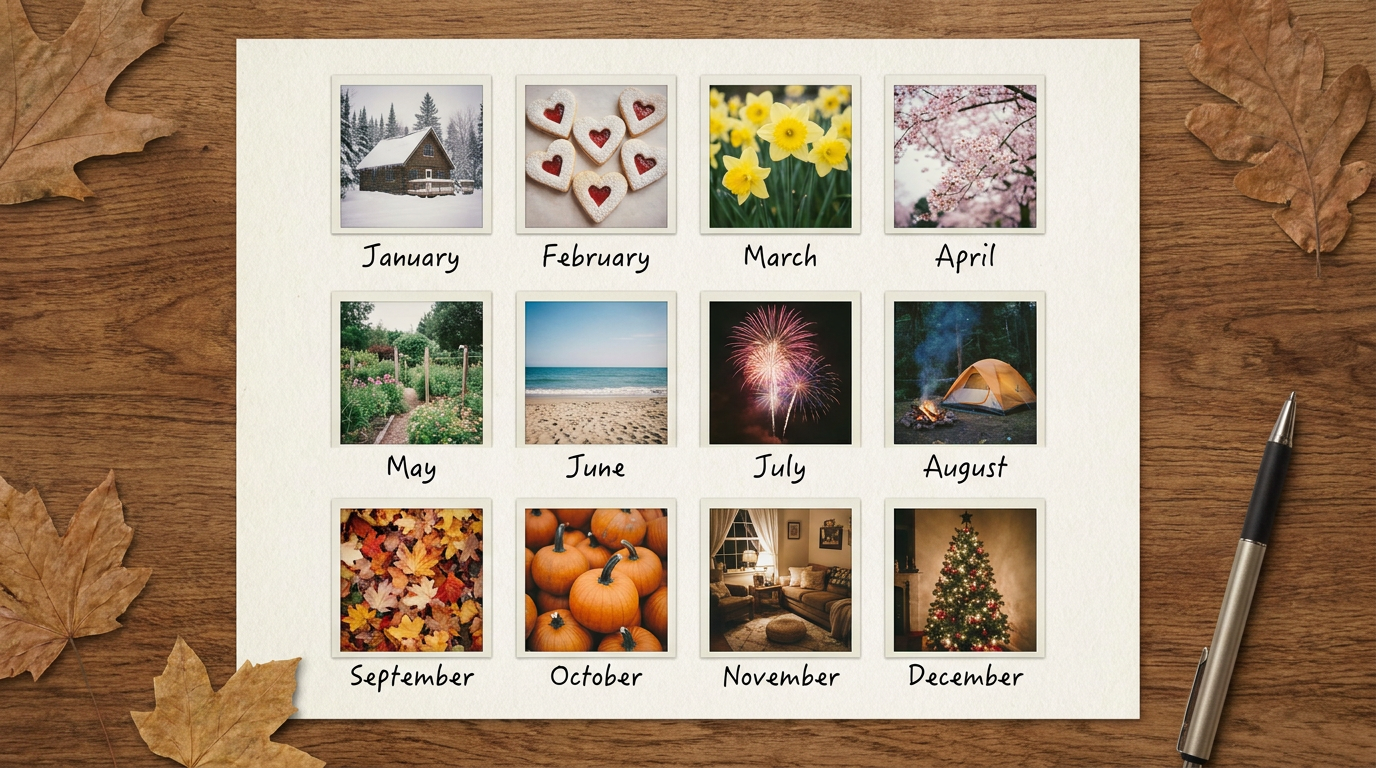
- A year in twelve photos. One image per month, no exceptions. Choosing one is the whole point and the whole difficulty.
- A house. Photograph every room before you move out, with a line about what happened in each one.
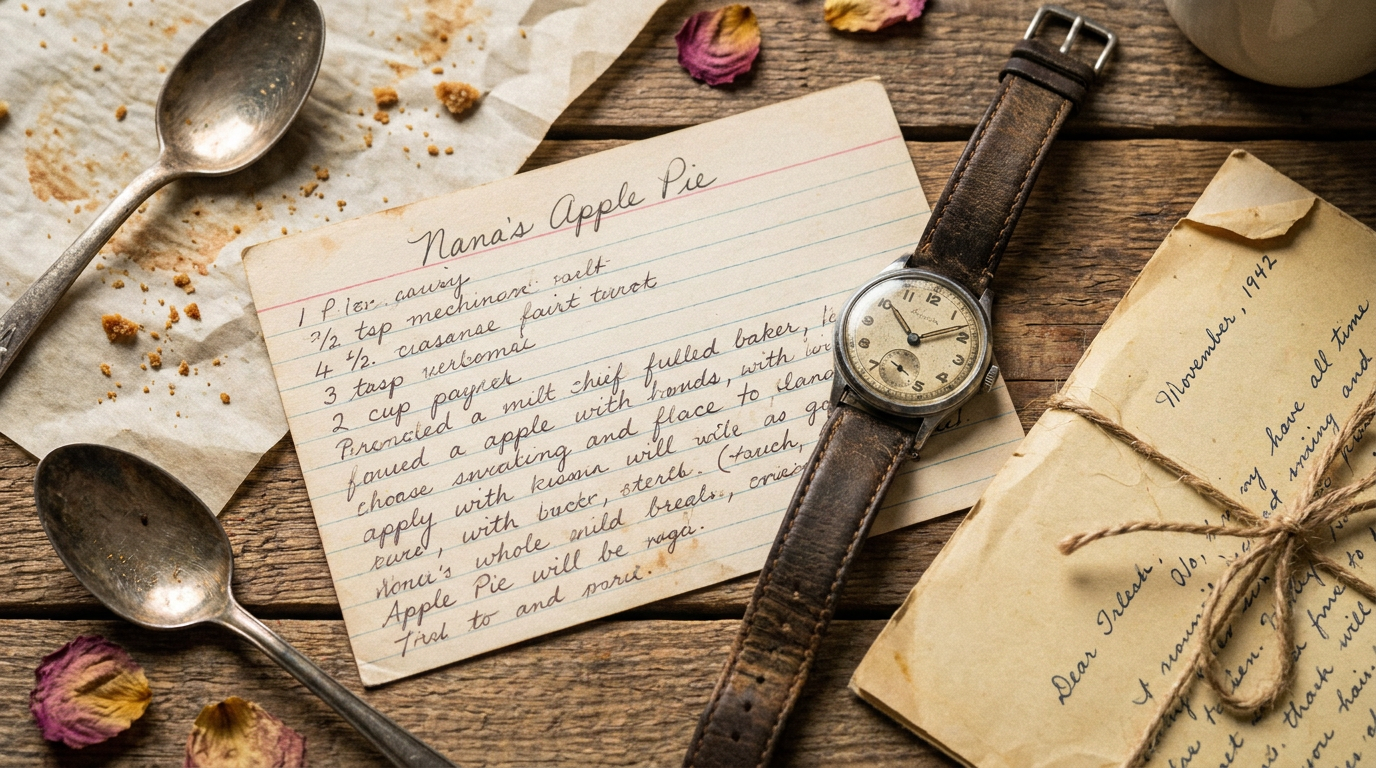
- One recipe and the people who cooked it. The dish, the original handwriting, and the hands making it. Three generations fit on one page.
- A child’s school year. First day, last day, and — the part nobody photographs — an ordinary Wednesday in between. If you’re documenting alongside a school, the ideas in how collaborative journaling strengthens the home–school connection translate straight across.
- A friendship. Photos pulled from both phones, spanning as many years as you’ve got.
- A move. The empty rooms at both ends. The before and the after with nothing in between.
- A pet. Include the unflattering photos. They age better than the good ones, every time.
- A project. Anything you built, grew, restored or finally finished. Progress shots you thought were pointless become the best pages.
- A family member’s story. Their photographs plus their answers to a few good questions — and the questions are the hard part, which is why 50 questions to ask your grandparents before it’s too late exists. Record the audio if they’ll let you.
- A season. The same view, photographed over and over. One window, one tree, one street corner.
- A shared album for one event. Everyone who was there adds what they shot. You’ll end up with the photographs of yourself that you didn’t know existed.
Once you know what you’re making, the practical question is what to make it in — and that’s a question of criteria, not brand names.
Pick whichever of the twelve made you think “I could do that this weekend.” That reaction is the only selection criteria you need.
A solo album shows you what one person noticed. A shared one shows you what the day was actually like, because five people at the same wedding photograph five completely different weddings. One shoots the room. One shoots faces. One shoots the food and nothing else.
That last one is the interesting one, and it’s worth sitting with for a second.
Templates, Layouts And Tools: What To Look For
Criteria last longer. So here’s what to actually ask about anything you’re considering.
I’m not going to hand you a list of products, for a simple reason: product lists rot. Apps get bought, features move behind paywalls, favourites shut down.
What a good template does — and what a bad one does
Digital scrapbooking templates get a bad reputation from people who think using one is cheating. It isn’t. A template is a decision you’ve already made.
A good template gives you a repeatable grid. It fixes your margins, sets your spacing, and stops you redesigning the page every time you sit down. That’s a genuine gift, because page-level design decisions are exactly where projects stall.
A bad template locks your photos into shapes that don’t suit them.The test is simple: does the template bend around your photos, or do your photos have to bend around it?
If the grid demands three squares and your best shots are all vertical, you’ll spend the evening cropping people’s heads off to fit a layout you didn’t choose.
Free digital scrapbook layouts, honestly
But free usually has a cost somewhere, and it’s worth knowing where before you’ve built forty pages.
Free is genuinely fine for most people. Let’s not be snobbish about it — plenty of excellent memory books have been made with free digital scrapbook layouts and nothing else.
Most often it’s one of three things. Resolution limits, where the export is fine on screen and soft in print. Watermarks, which you discover at the end. Or export restrictionsNone of those are dealbreakers if you know about them going in. All of them are miserable surprises if you don’t.
— you can see your creation, but you can’t get a usable file out of it.
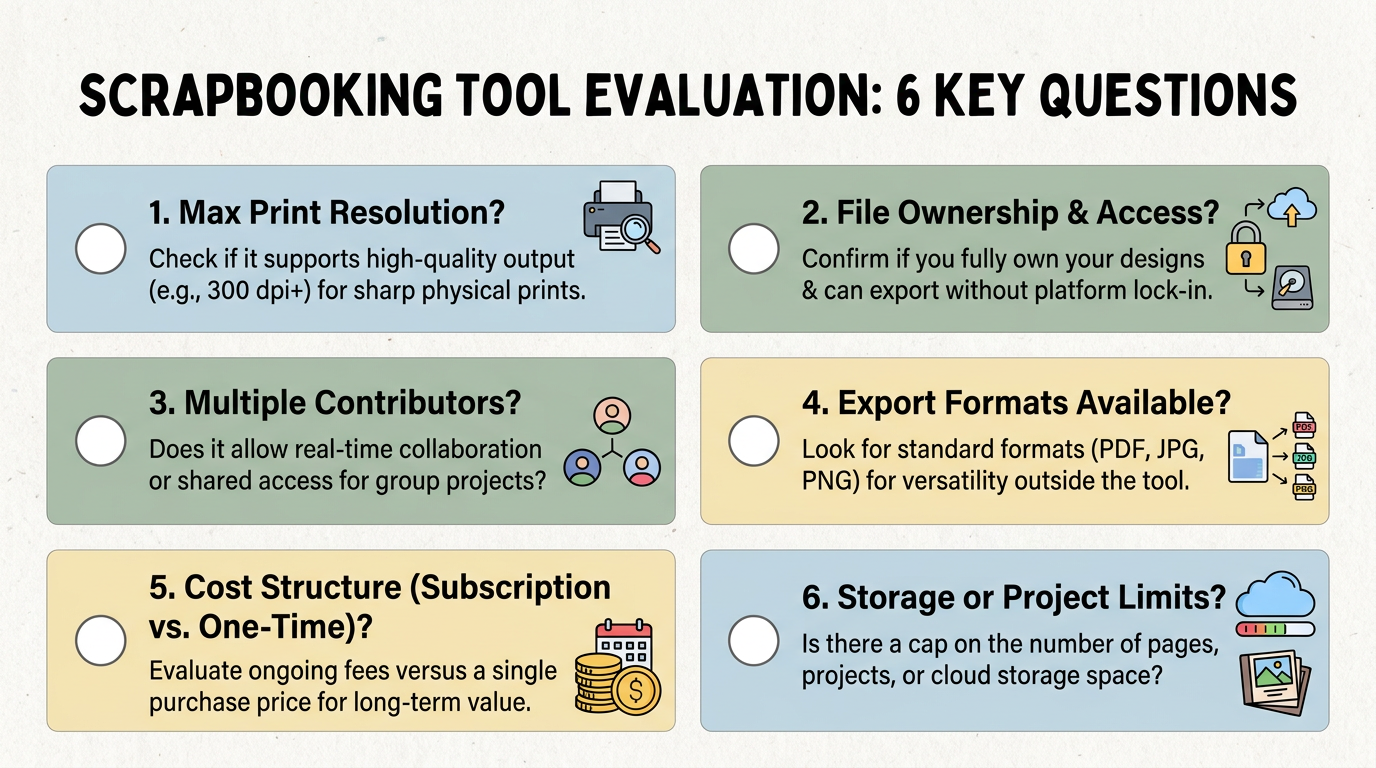
Six questions to ask about any digital scrapbooking site or app
- Does it export at print resolution?
- Do you own the file, or only a view of it?
- Can more than one person contribute?
- Does it handle video and audio, or only stills?
- Can you get your data out if you stop using it?
- Does it work properly on a phone?
The numbers behind the resolution question
Aim for roughly 300 pixels per inch at your final print size. For an 8 × 8 inch square page, that’s about 2400 × 2400 pixels. For an 8.5 × 11 inch portrait page, about 2550 × 3300.
This is where most people get caught, so here are the actual figures.
Those aren’t arbitrary. The sets out comparable resolution expectations for photographic records, which makes this checkable rather than folklore.
National Archives guidance on digital photographic records
One more thing printers will ask for: bleed. Bleed just means extra image extending past the edge where the page gets trimmed — usually around 3 to 6 millimetres — so that a slightly off-centre cut doesn’t leave a white sliver down the side. That’s standard commercial print practice rather than an archival requirement, and any print service will tell you their exact number if you ask.
Getting your files back out
The “can you get your data out” question sounds like paranoia until it isn’t.
The So: before you commit a year of work to something, spend five minutes finding out how you’d get it back.
Library of Congress personal digital archiving guidance
recommends keeping multiple copies of anything you care about, stored in more than one place. You can’t follow that advice if your only copy is trapped inside a service that has no export button.
One thing worth checking before you start
Most tools in this category are built around a single assumption — one person, working with still photographs, making something for themselves.
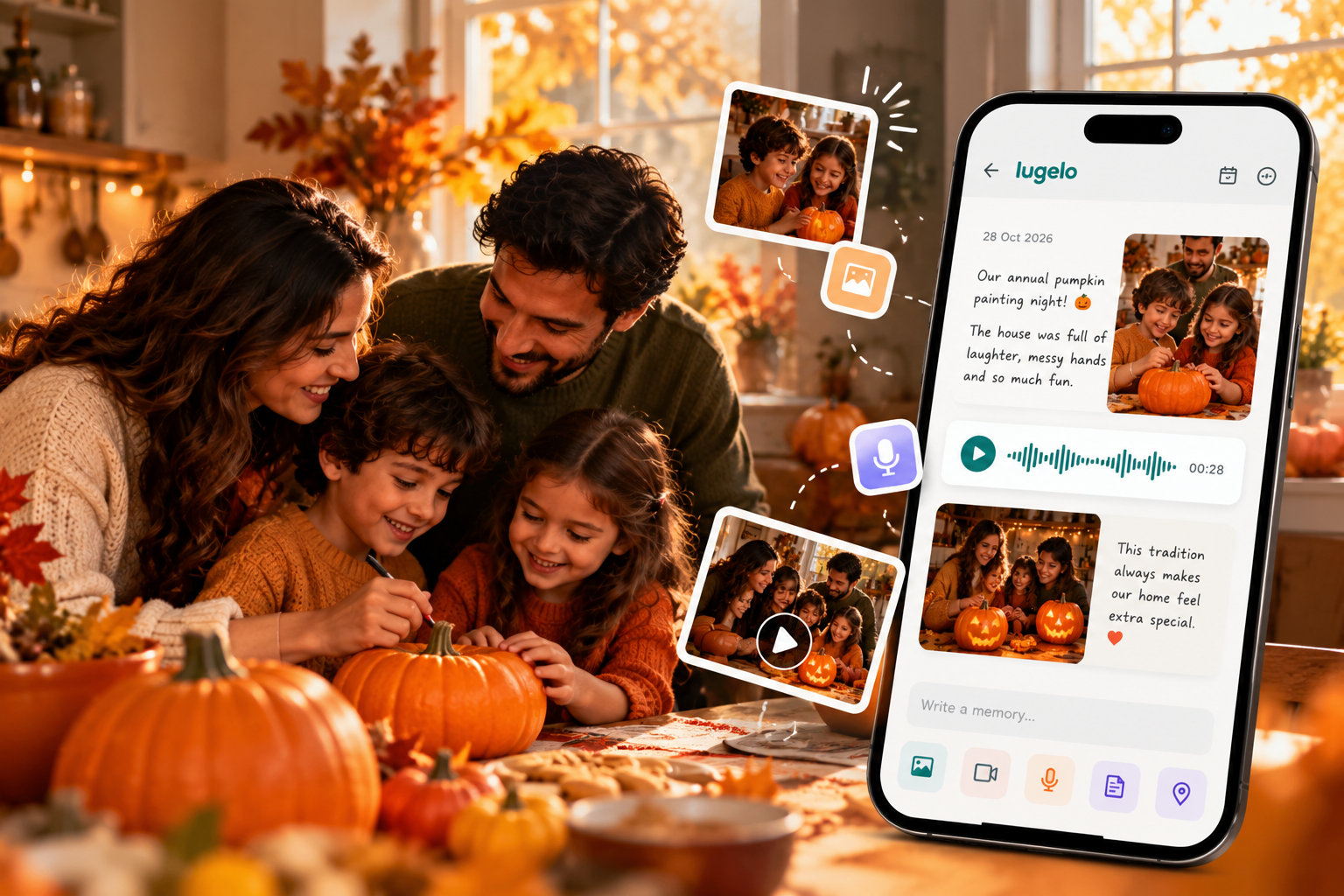
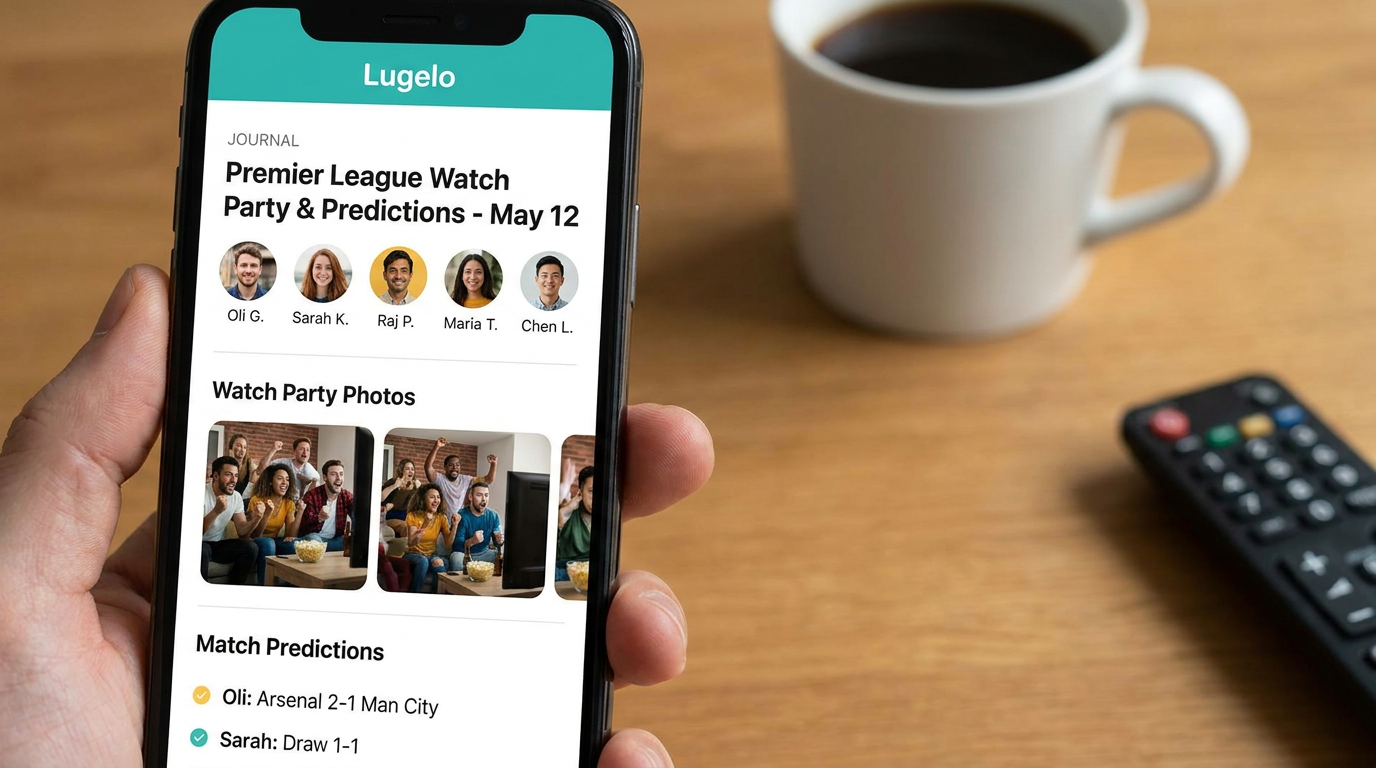
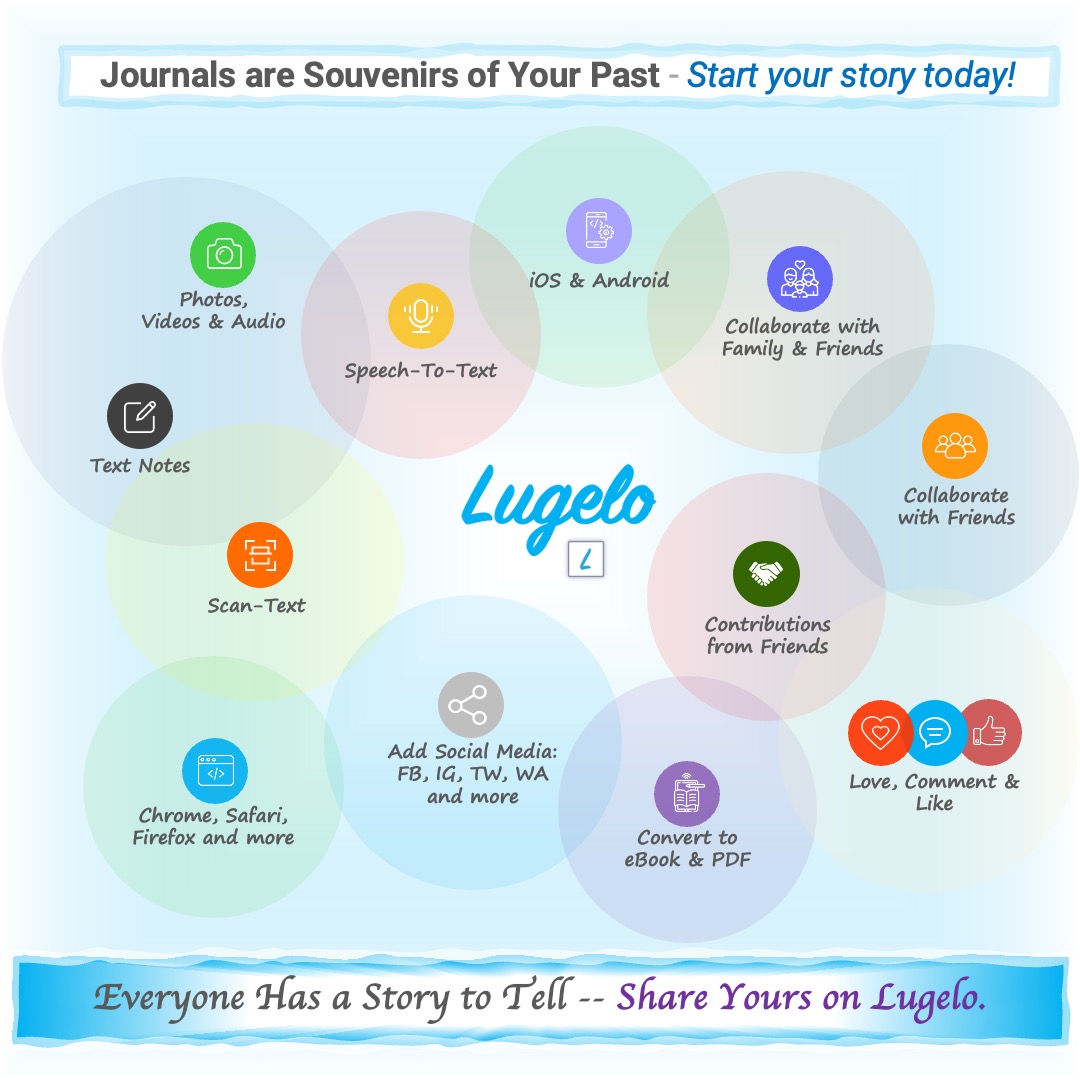
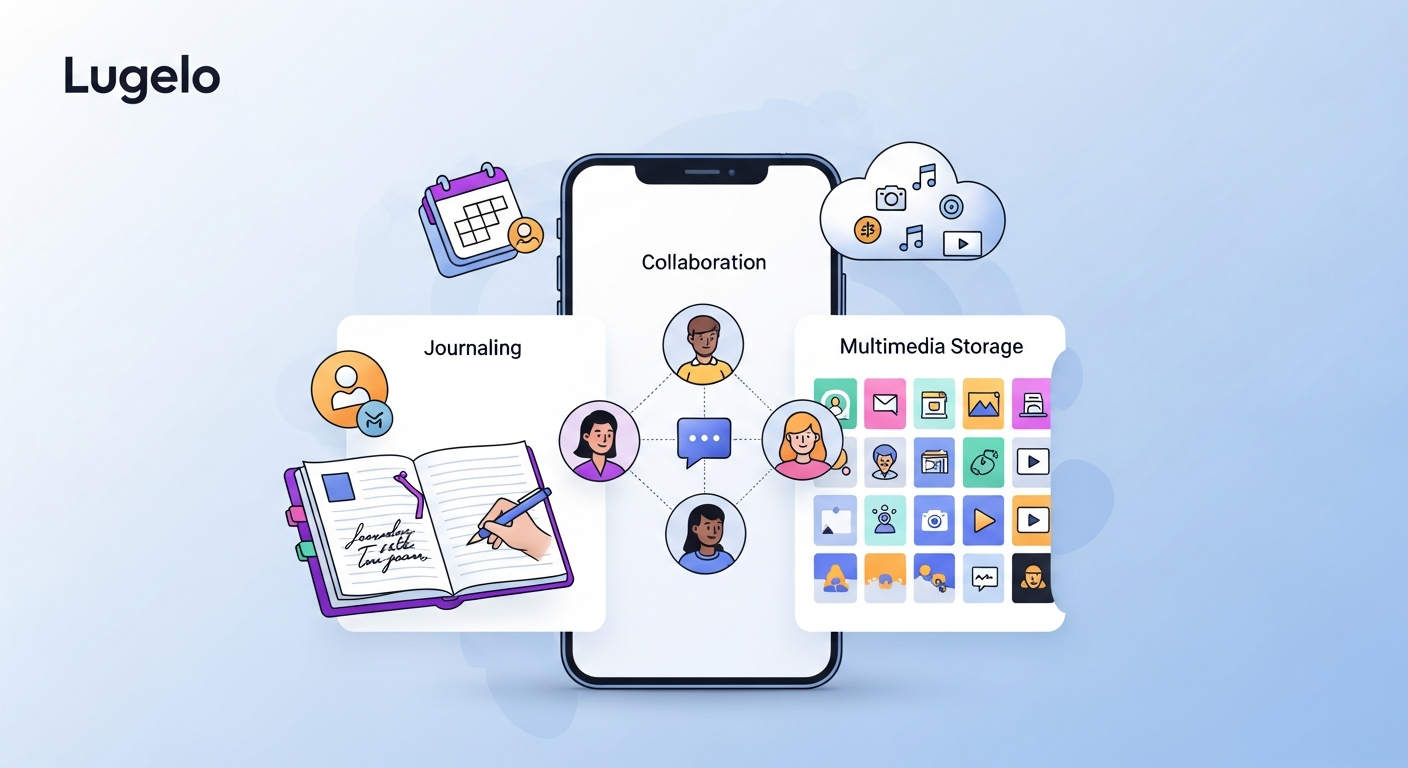
That assumption is invisible until it breaks. If the thing you’re making has several contributors, or needs to hold a voice recording and a ten-second video alongside the photos, it’s worth confirming the tool supports that before you’ve built half of it. Lugelo was built for that particular case, but the general point stands whatever you use: check the multi-person, multi-format question early, because retrofitting it is painful.
Tools raise the bigger question sitting underneath all of this: whether a memory is better off on a screen or on a shelf.
Screen Or Shelf: What Digital Does That Paper Can’t, And What Paper Still Wins
Let’s start with paper, because paper still wins things that no amount of software fixes.
A printed book is an object. It needs no account, no password, no battery, no subscription and no company still being in business. It sits on a shelf and it works.
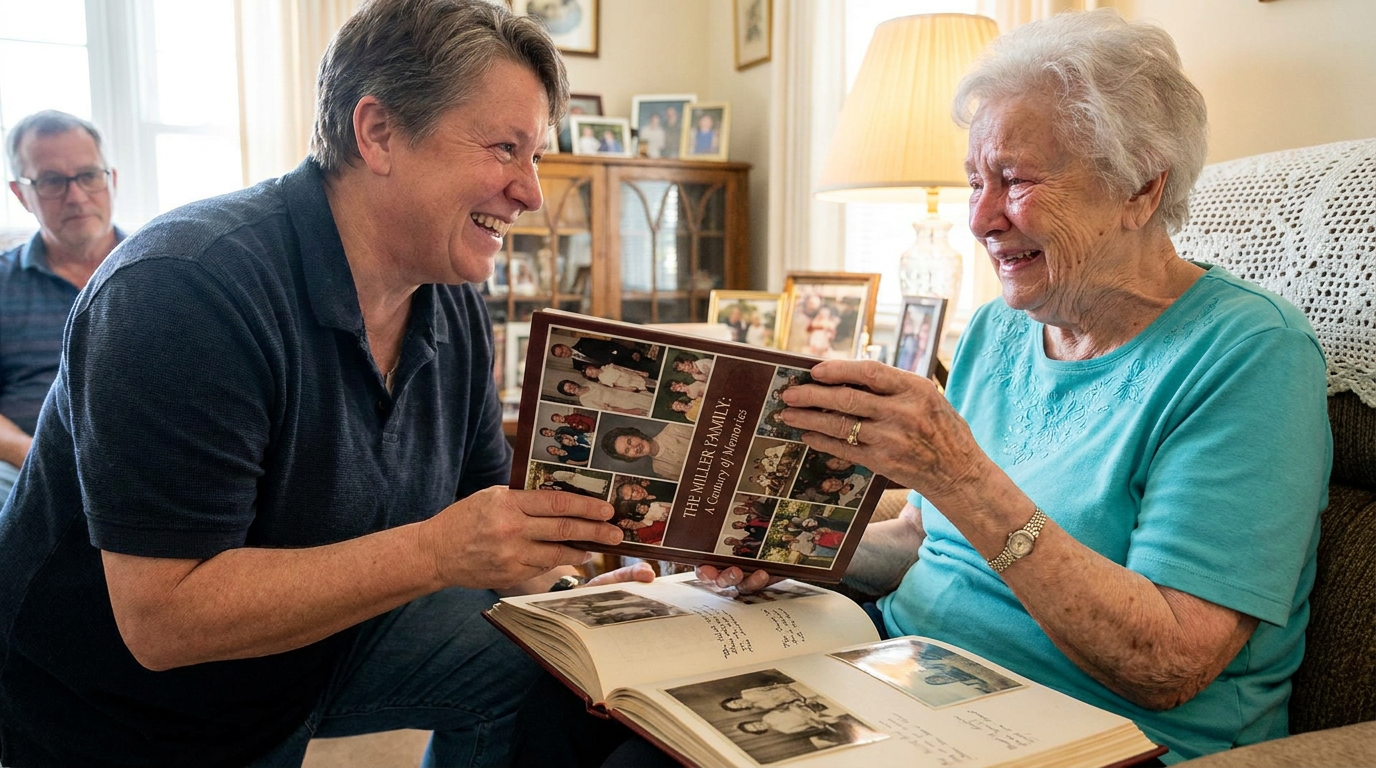
You can hand it to someone. That sounds small and it isn’t. Handing someone a book is a completely different act from sending them a link, and everyone knows it in the moment it happens.
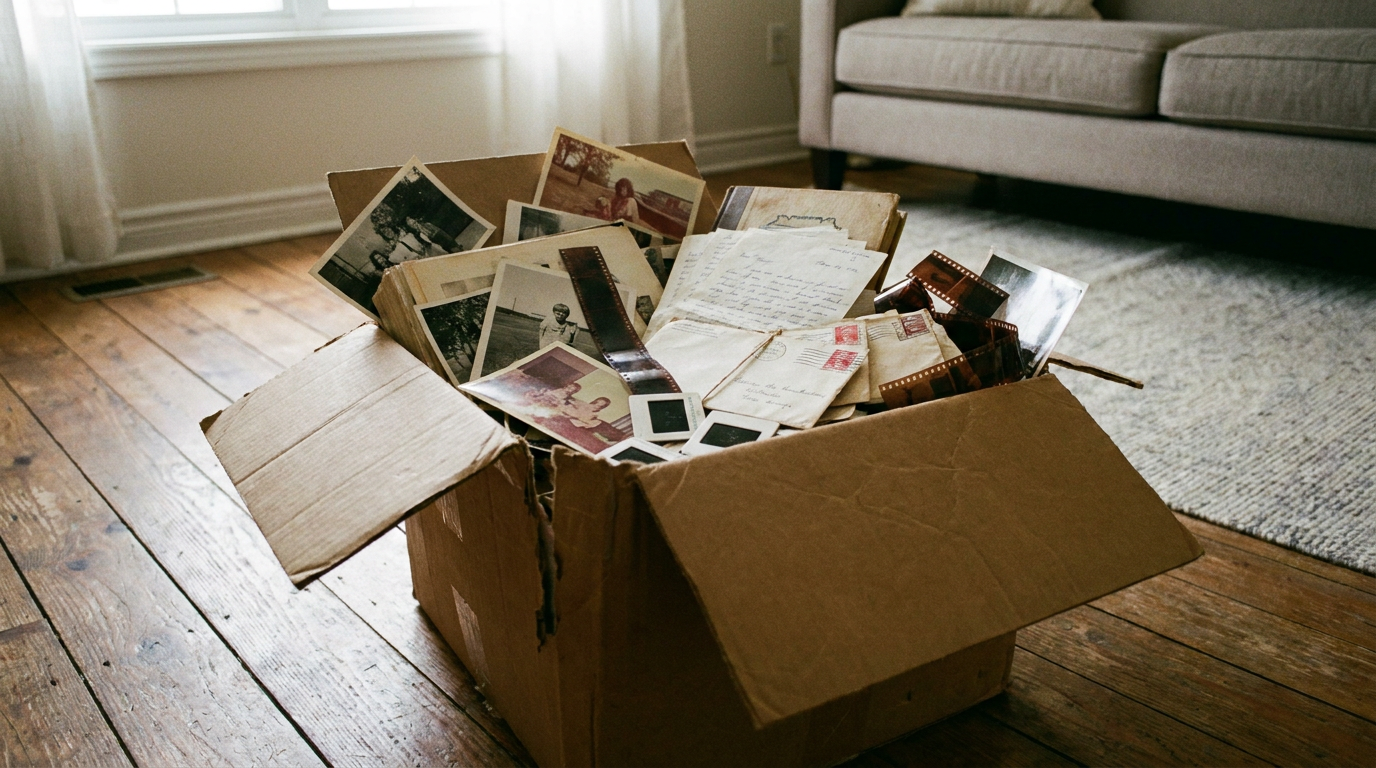
And paper survives being found. A box in a loft, opened by someone who never knew it existed — that’s how most family history actually reaches the people it’s about. Nobody stumbles across a forgotten cloud folder.
Now digital, which wins a different set of things.
Volume, without a storage box. Four hundred photographs weigh nothing and take up no wardrobe space.
Searchability. You can find the right page in seconds instead of flipping through six albums.
Audio and video. This is the one paper genuinely cannot do at any price. A recording of your grandmother’s voice, or eleven seconds of a child who no longer sounds like that, has no paper equivalent.
Several people contributing at once, from different cities, to the same album.
No fading, no water damage, no yellowingDigital files need maintenance in a way that paper doesn’t. Accounts close. File formats age. Phones get lost, dropped and stolen. A drive that worked fine for six years can fail on a Tuesday for no reason at all.
That last clause is doing a lot of work, so let’s be honest about it.
— provided the files are looked after.
The standard advice from people who preserve things professionally is unglamorous and correct: keep more than one copy, in more than one place, and check on them occasionally. The sets out exactly that, and it’s worth ten minutes of your time.
Library of Congress guidance on caring for personal digital records
This isn’t hypothetical. documents how easily digital memories get scattered, stranded and lost across platforms and devices — not through carelessness, but through the ordinary churn of accounts and hardware.
Ethnographic research on young people and the fragility of personal digital remembrance
So the honest conclusion is the boring one: most people should do both. Keep it digital, because that’s where the material lives and where other people can reach it. Print the best of it, because that’s what survives indifference.
Where a memory record actually lives
They’re spread across services, visible to platforms, and genuinely difficult to gather into one thing.
Right now, most people’s memories are scattered. A few thousand photos in a camera roll. A handful in three different group chats. A shared album from a holiday two years ago that half the participants have already left.
There’s a related question underneath the format debate, and it gets asked far less often than it should.
And here’s the distinction that matters: a memory record is not a social post. A social post is made for an audience and performs for them. A memory record is made for about four people, one of whom might not be born yet. It doesn’t need reach. It needs to be findable in fifteen years by the people it belongs to.
That’s the specific job Lugelo was built for — one place where several people add photos, video and audio to the same record, private by default, with owner-controlled sharing, and encrypted in transit. Not an audience. Just the people who were there.
Whatever you use, the principle holds. Decide who this is for, and keep it somewhere that treats it accordingly.
The Word Went Out Of Fashion. The Impulse Didn’t.
That’s the thing worth holding onto. The label drifted. The style dated. The urge to take the ordinary photographs of an ordinary week and turn them into something you can hand to a person hasn’t shifted at all.
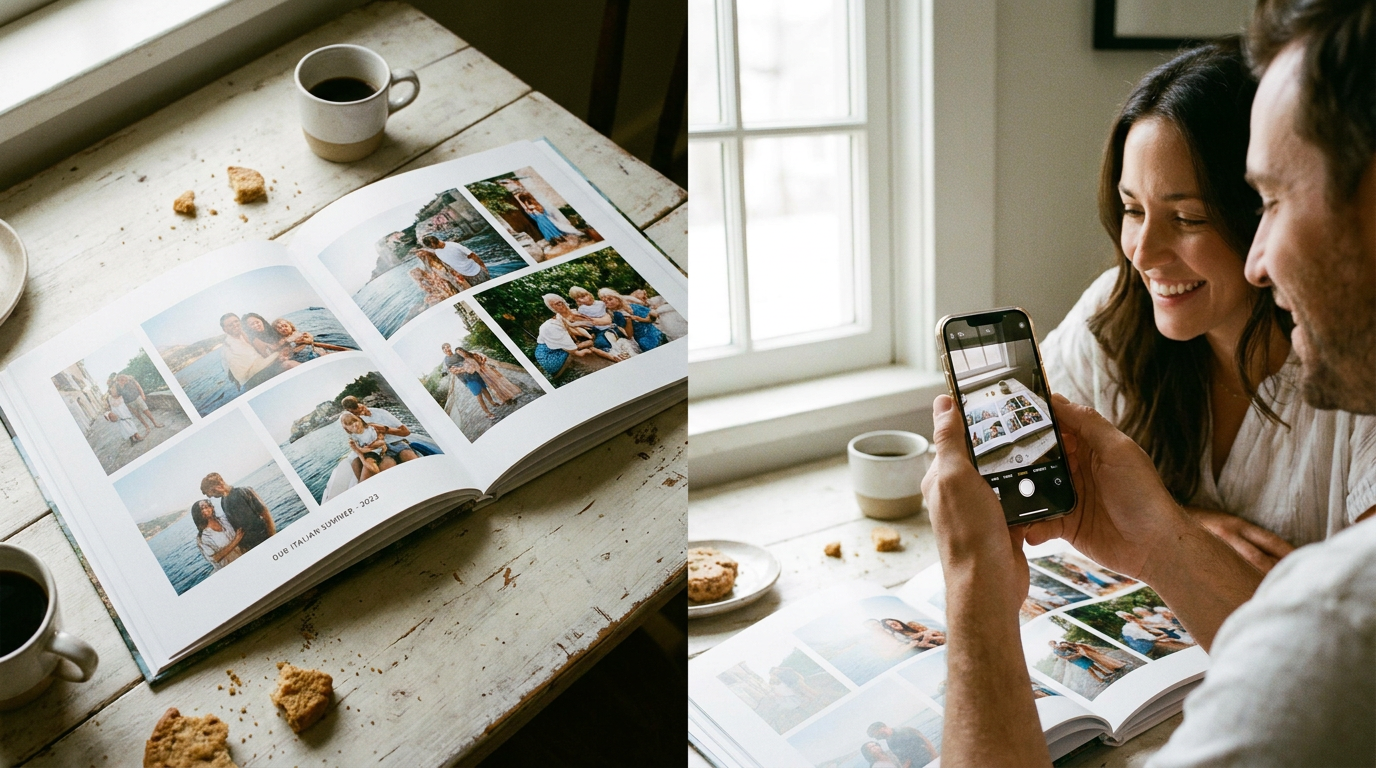
She’d have laughed if you’d said so. She didn’t buy any paper, didn’t use the word once, and made the whole thing on her phone on a train. It didn’t matter in the slightest — the book is lovely and her mum has read it four times.
My friend who “made a little book of the trip” was scrapbooking.
And on style, one last reassurance: no layout ages as badly as a memory you never recorded. Nobody in your family will ever open your book and think ah, dated grid.
That’s a scrapbook. Call it whatever you like.
So here’s the small next action. Pick one trip. Cull it to twenty photos. Write twenty captions this week, while you still remember the names.
They’ll read the captions. They’ll look for their own faces. They’ll ask who that was in the back row.
Don’t Just Live It — Keep It
Start with one journal, for one trip or one year. Add the photos, the video and the voice notes, and invite the people who were there to add theirs — private by default, with owner-controlled sharing.
and make the first page this weekend.
Frequently Asked Questions About Digital Scrapbooking
What is digital scrapbooking?
Digital scrapbooking means building memory pages on a device instead of with paper and glue. You combine photographs with captions and a chosen layout, then either keep the result on screen or send it to print. Some versions also include short video and audio clips, which paper pages obviously can’t hold.
Is digital scrapbooking still popular?
Yes, though people rarely use that term for it. The activity — arranging photos and words into albums, memory books and photo books — is widespread and easy to find. The vocabulary has simply drifted toward describing the object made rather than naming the hobby behind it.
What do I need to start a digital scrapbook?
Photos, a device, and something to arrange them in. That’s genuinely the full list. A phone with a camera roll and any layout app will get you a finished book. Everything else — templates, print services, fancy design software — is optional, and none of it is required for a first attempt.
Is digital scrapbooking cheaper than paper scrapbooking?
Usually, yes, at least to make. There are no consumable supplies to replace — no paper, adhesive, card or embellishments to buy repeatedly. The cost appears at the printing stage, if you choose to print. Screen-only projects can cost nothing beyond the device you already own.
Can I print a digital scrapbook?
Yes, and most print services handle it easily. Aim for around 300 pixels per inch at your finished page size so images stay sharp on paper. Decide whether you’re printing before you start designing, because print-quality projects need higher-resolution source files than screen-only ones do.
What size should digital scrapbook pages be?
Square and portrait are the two common shapes. An 8 × 8 inch square page needs roughly 2400 × 2400 pixels at 300 PPI. An 8.5 × 11 inch portrait page needs around 2550 × 3300 pixels. Your print service will also ask for a few millimetres of bleed beyond the trim edge.
How many photos should go on a page?
One to four photos gives a clean, modern look with room for a caption. More is perfectly fine if you’re going for a deliberate dump-style page with a tidy grid. Consistency matters far more than the exact number — pick an approach and repeat it throughout.
What’s the difference between a digital scrapbook and a photo book?
A photo book is mostly photographs, frequently auto-arranged by software with minimal input from you. A scrapbook mixes photos with written captions and layout decisions you made yourself. The line between them is genuinely blurry, and plenty of finished projects sit somewhere in the middle.